RT-3100 5-Port Single-WAN Gigabit Router User Guide
Field Explanation
DNS Server 1, 2
Enter up to two WAN DNS server addresses.
MTU
Enter the WAN MTU value.
PMTU
Enable/disable.
Override MAC
Address
Specify which MAC address to use for the WAN interface.
VLAN Tag on
WAN
Enable/disable.
VLAN ID
Enter the VLAN ID.
Rely on ICMP
Enable/disable.
Allow the WAN interface to reply to PINGrequests coming
from the internet.
For instructions on completing the rest of the dialog, see below.
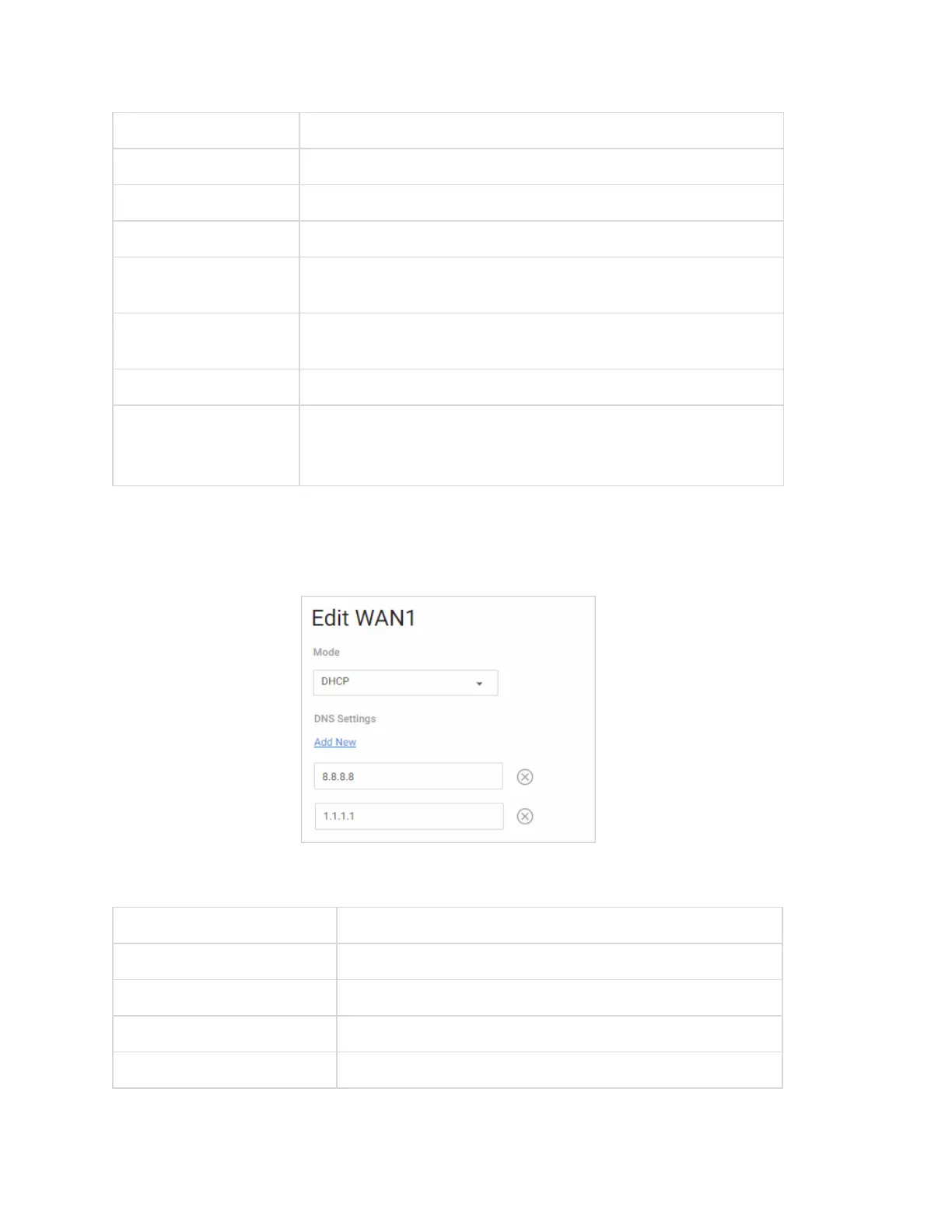
DHCP
If you are using DHCP, configure these settings:
Field Description
DNS Server
Enter the WAN DNS server address.
DNS Settings: Add New
Add a custom DNS entry.
Override MAC Address
Specify which MAC address to use for the WAN interface.
Other settings
See DNS Settings (above).
16



 To Next Page