RT-3100 5-Port Single-WAN Gigabit Router User Guide
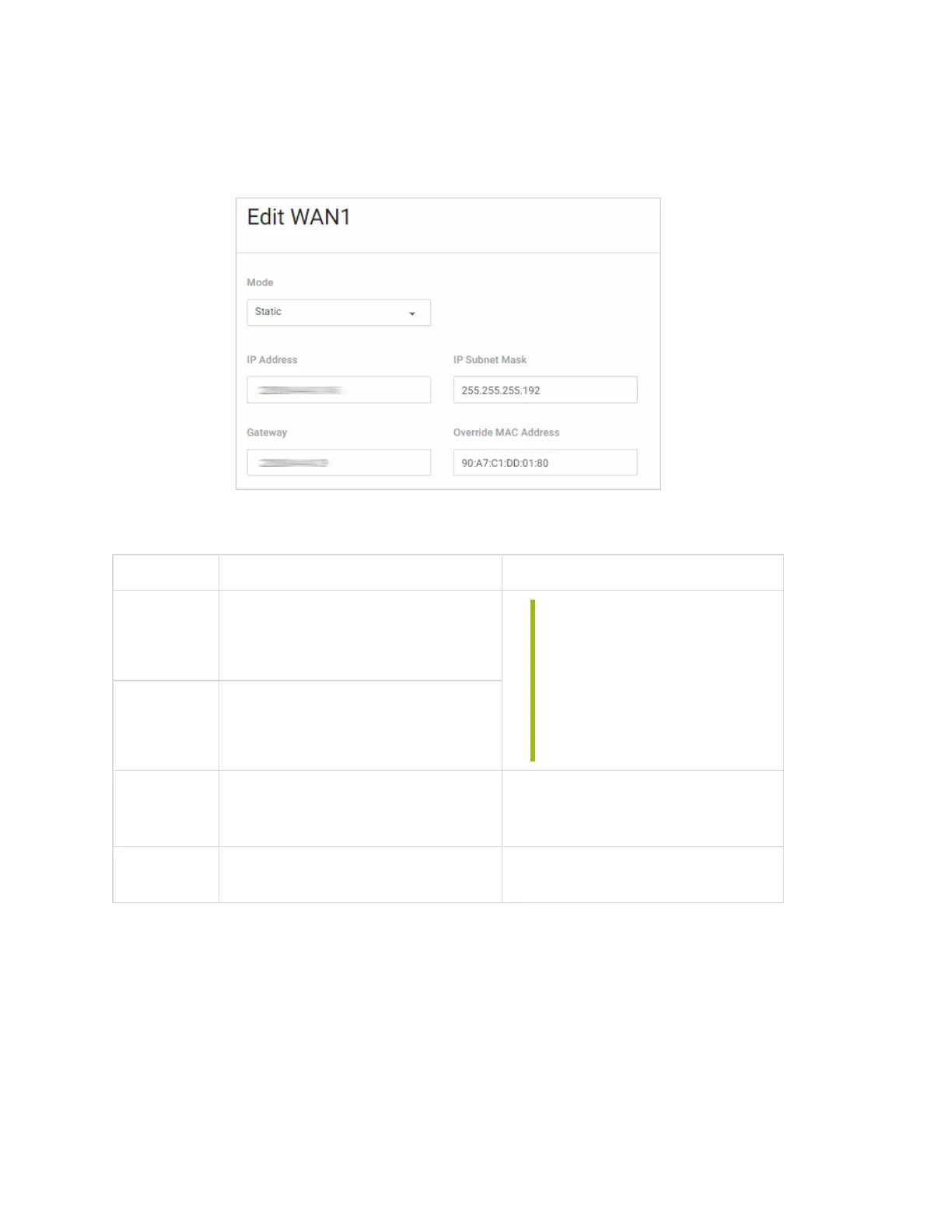
Static
If you are using Static, configure these settings:
Field Description Comments
IP
Address
Enter the WAN IP address.
Tip: Cannot be in IP ranges of
another WAN Interface, for
example:
l DMZ Interface
l VLAN Interfaces
l PPTP Range
l OpenVPN Subnet
Gateway
Enter the WAN Gateway address
from the Internet Service Provider.
IP
Subnet
Mask
Enter the WAN subnet mask.
Other
settings
See DNS Settings (above).
PPPoE
If you are using PPPoE, configure these settings:
17



 To Next Page