RT-3100 5-Port Single-WAN Gigabit Router User Guide
Firewall
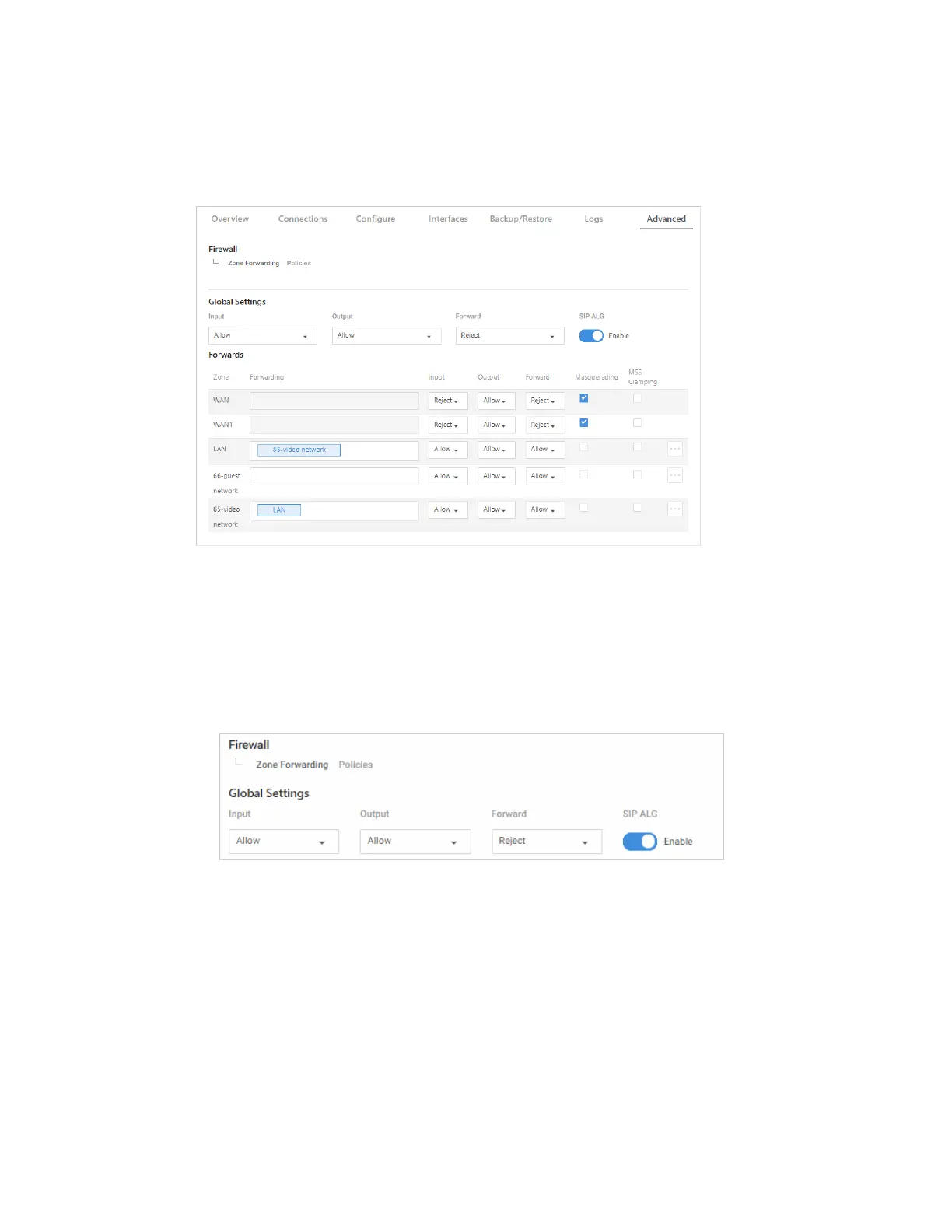
From the Firewall tile, control the forwarding of traffic between network interfaces and get
fine-control over firewall rules.
Configure global firewall settings or set up firewall settings (by zone).
Global Settings
Under Global Settings, set rules for how firewall traffic is handled globally.
1. Go to the Advanced tab > Global Settings.
2. Under Global Settings, choose whether to globally Allow/Reject/Drop each type of
traffic. (Traffic types include: Input, Output, Forward, and SIP ALG).
a. Input – Traffic trying to reach the router itself through any Interface not tied to a
Zone.
b. Output – Traffic originating from the router itself going through an Interface
with no Zone.
c. Forward – Traffic passing between interfaces belonging to one Zone.
d. SIP ALG - Enable/disable SIP ALG for VoIP traffic.
42



 To Next Page