RT-3100 5-Port Single-WAN Gigabit Router User Guide
10.
You can change the hostname you are using at any given time by entering a new
Hostname into the router that is available for use and then clicking Claim Hostname.
11.
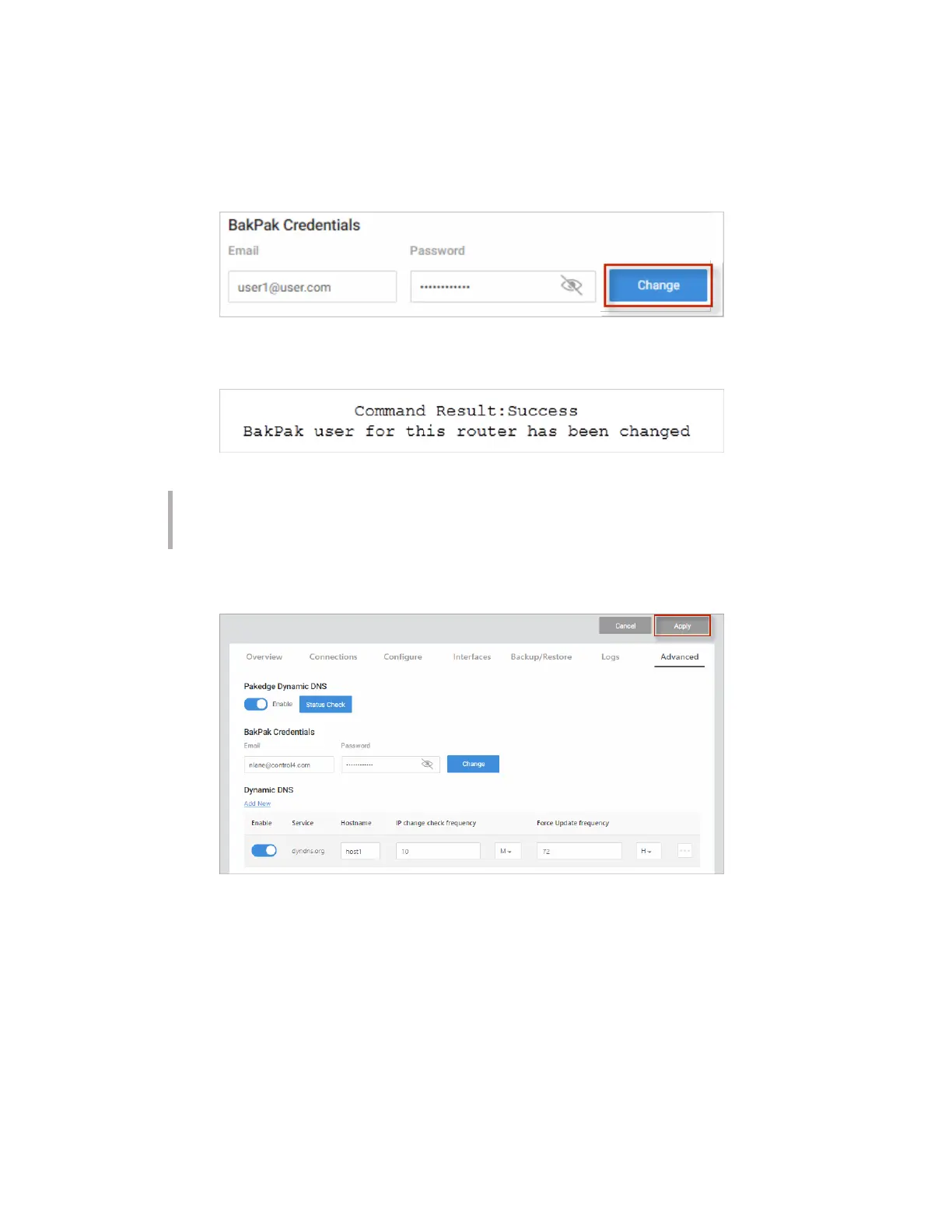
You can change the BakPak user on the router at any given time by entering the new
credentials and clicking Change.
12.
You will see a message towards the top letting you know that the BakPak user has been
changed.
Note: You can register for a new BakPak user only once on the router. After you
have registered for a BakPak user once, the Register button will disappear from the
GUI.
13. Click Apply (at the top of the page) to save your changes.
Non-Pakedge DDNS
To configure a non-Pakedge DDNS:
1. Go to the Advanced tab > Dynamic DNS.
2. Under Dynamic DNS, click Add New.
38



 To Next Page