RT-3100 5-Port Single-WAN Gigabit Router User Guide
Add a secondary DDNS profile
You can add a secondary DDNS profile to the router. In case the first DDNS provider does not
work, the secondary profile can act as a backup.
To add a secondary DDNS profile:
1. Go to the Advanced tab > Dynamic DNS.
2. Under Dynamic DNS, click Add New, and complete the steps outlined above.
3. Click Apply (at the top of the page) to finalize the action.
Edit or delete a Dynamic DNS entry
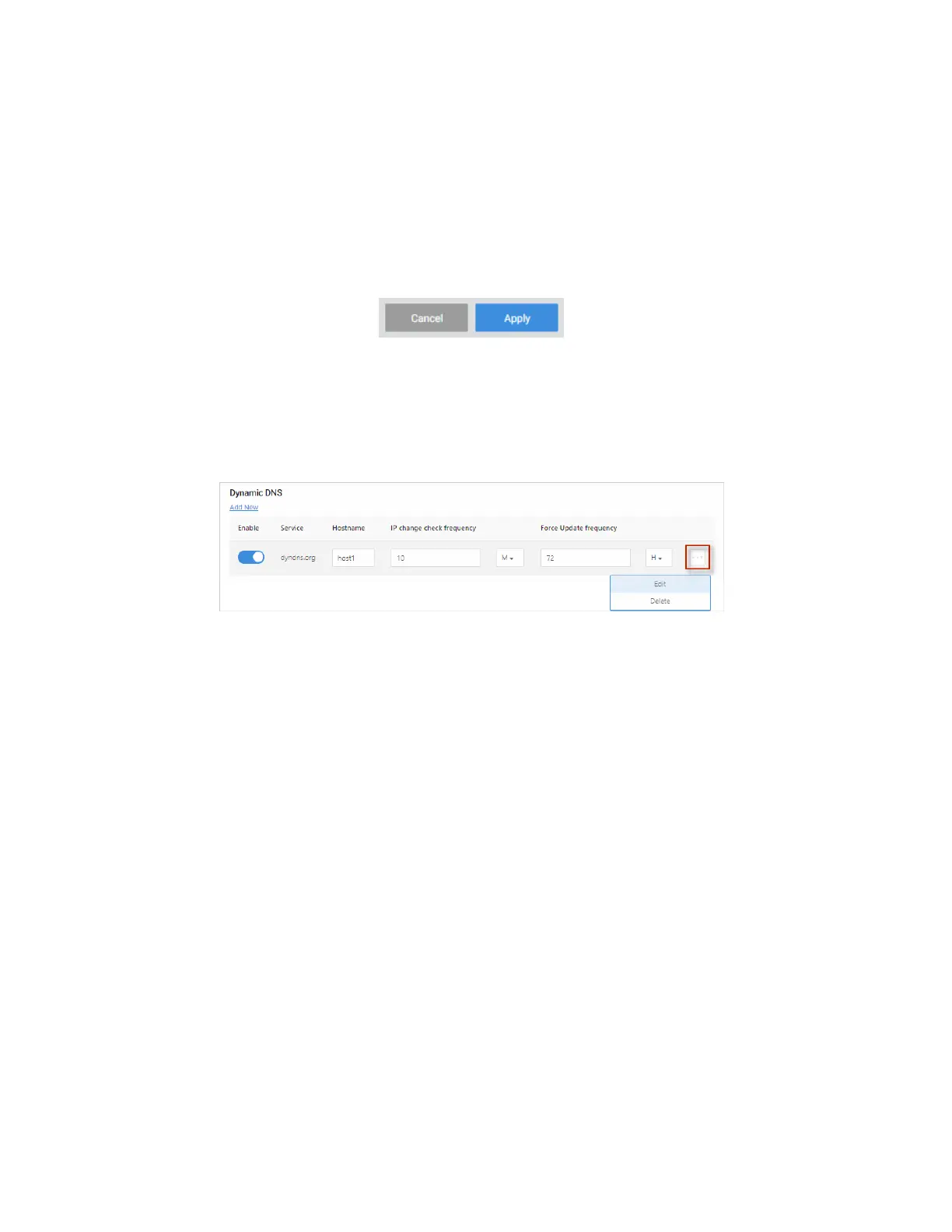
To edit or delete a Dynamic DNS entry:
1. Go to the Advanced tab > Dynamic DNS.
2. Next to the entry, click the … More icon.
3. Next, select Edit or Delete.
4. Click Apply (at the top of the page) to save your changes.
41



 To Next Page