RT-3100 5-Port Single-WAN Gigabit Router User Guide
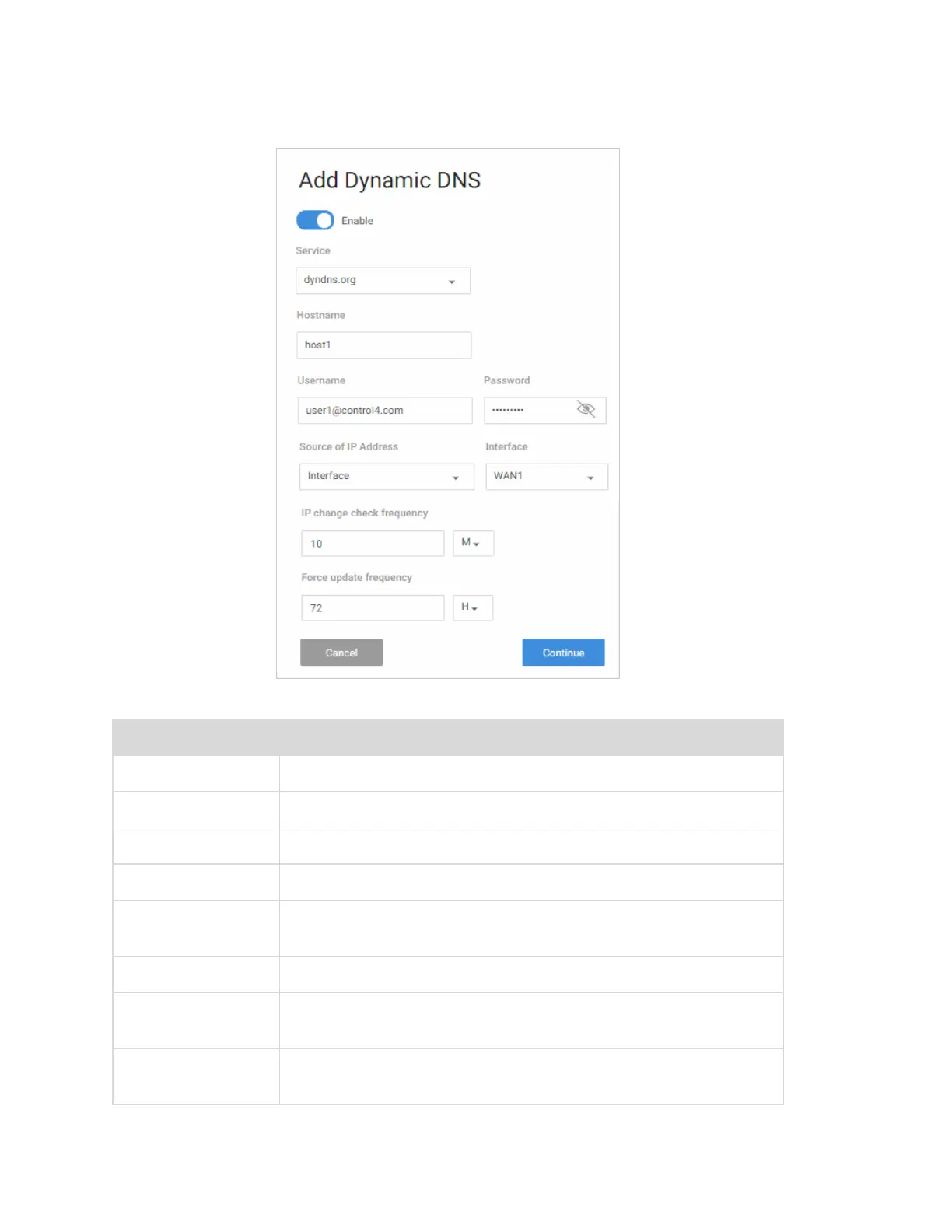
Complete the dialog
Field Description
Enable
Enable/Disable this DDNS policy.
Service
Select your Dynamic DNS provider.
Hostname
Enter the full domain name that you signed up for.
Password
Enter the password for your account.
Source of IP
Address
Specify where to obtain the IP address.
Interface
Specify the Interface which will provide the IP address.
IP change check
frequency
Indicate how often the router will check to see if the WAN IP
address has changed (in hours/minutes).
Force update
frequency
Indicate when the router will force an update with the DDNS
provider (in hours/minutes).
40



 To Next Page