RT-3100 5-Port Single-WAN Gigabit Router User Guide
Device Settings
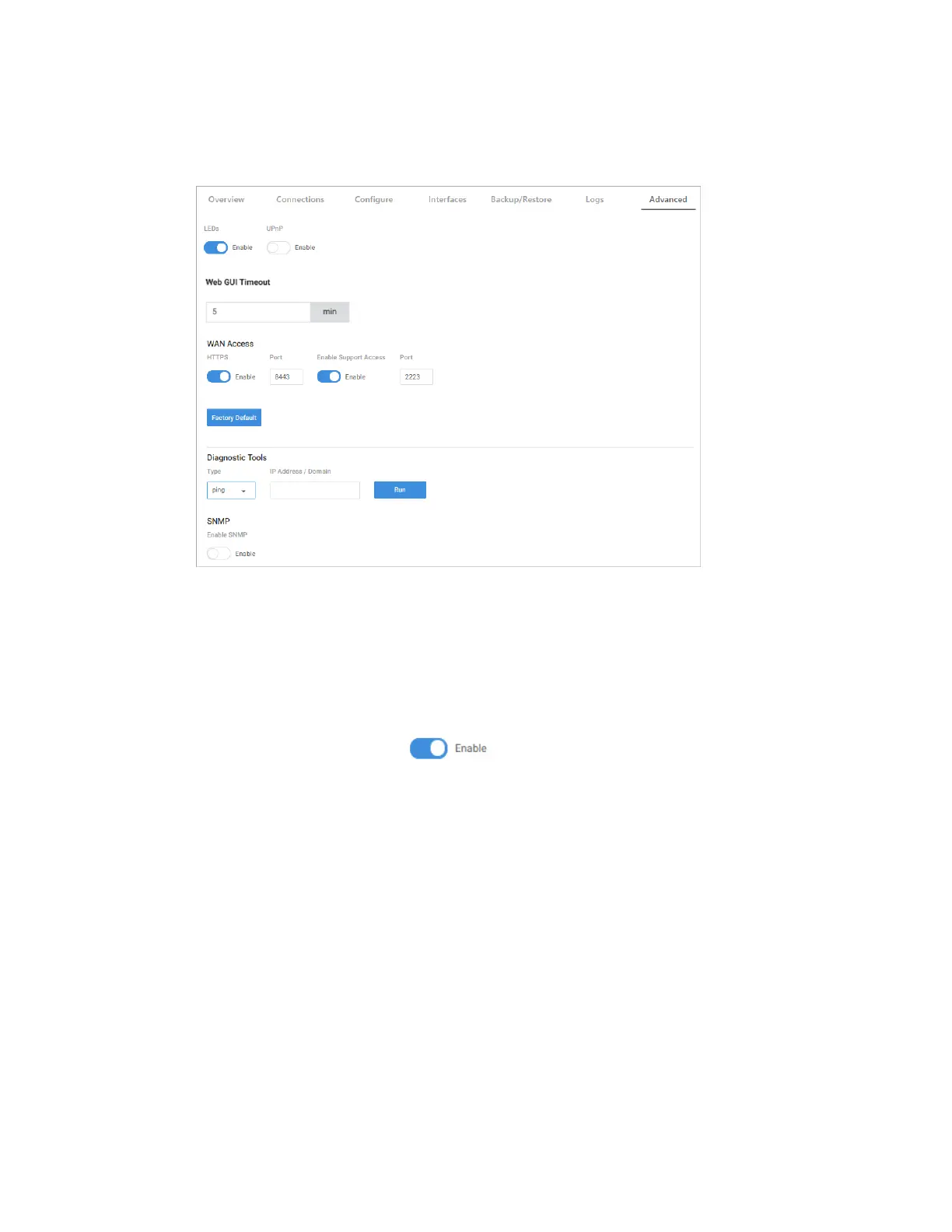
From the Device Settings tile, configure basic router functionality.
l
Enable various settings. (LEDs, UPnP, WAN Access, and SNMP).
l
Run Diagnostic tests. (Ping, traceroute, nslookup, speedtest).
l
Reset the device. (Restore factory default settings).
Enable settings
With the toggle button, Enable or Disable various settings.
To enable a setting:
1. Go to the Advanced tab > Device Settings, then enable/disable LEDs, UPnP, WAN
Access, and SNMP (see below).
28



 To Next Page