RT-3100 5-Port Single-WAN Gigabit Router User Guide
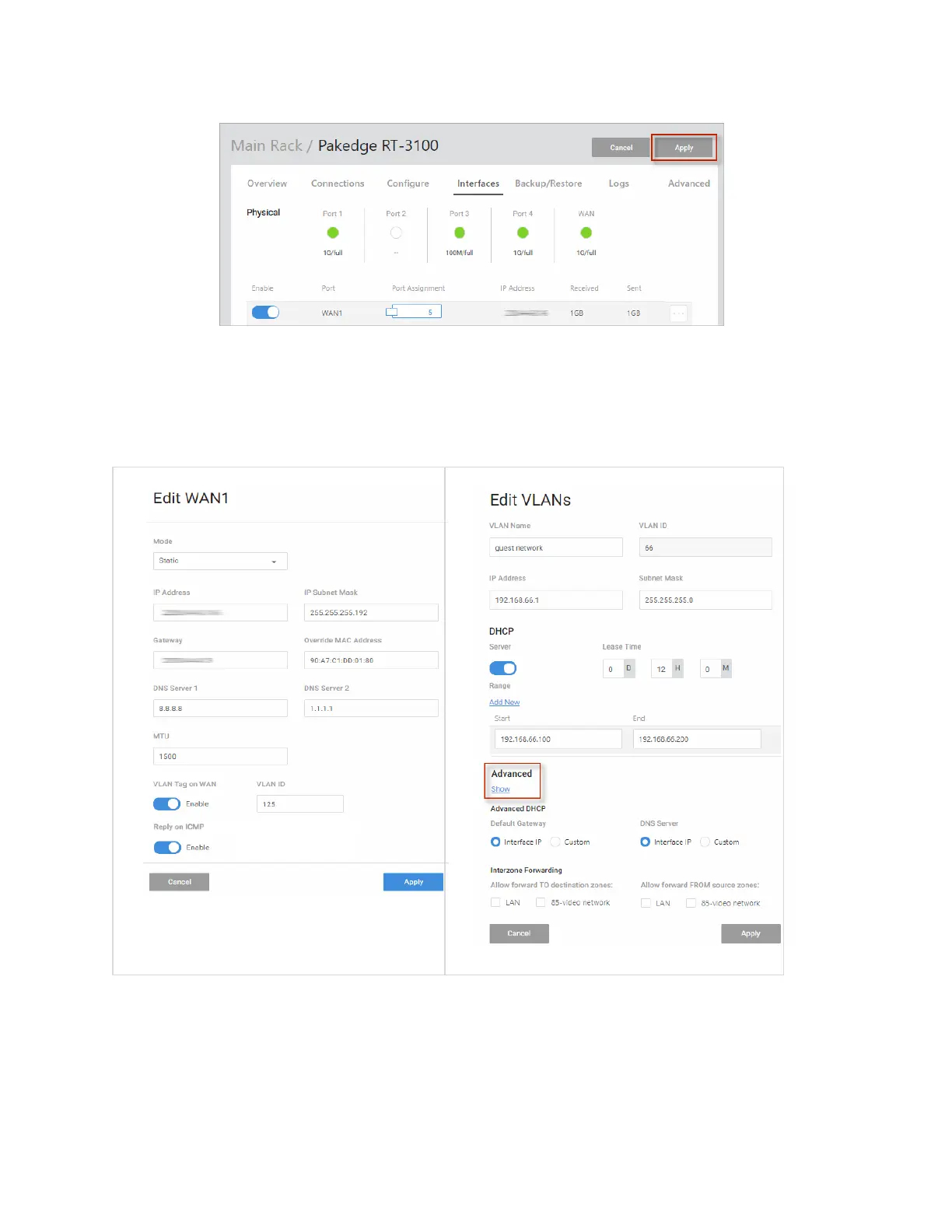
Important! Your changes will not be saved until you hit Apply.
Completing the dialog
Depending on the selected device, you will see an Edit WAN or Edit VLAN dialog.
For help with each dialog, see below.
(Continued...)
Edit WAN Settings
Select a mode
In the Edit WAN dialog, choose a Mode (DHCP, Static, PPPoE, L2TP) for your WAN settings.
The Mode specifies how the WAN interface will connect with the Internet Service Provider.
14



 To Next Page