RT-3100 5-Port Single-WAN Gigabit Router User Guide
First-time login
The first time you log in, you are brought to the Configure tab. Here you can change your
username and password (required), and specify the device’s network information and network
protocol.
For BakPak Lite setup instructions, see the RT-3100 Quick Start Guide.
Saving changes
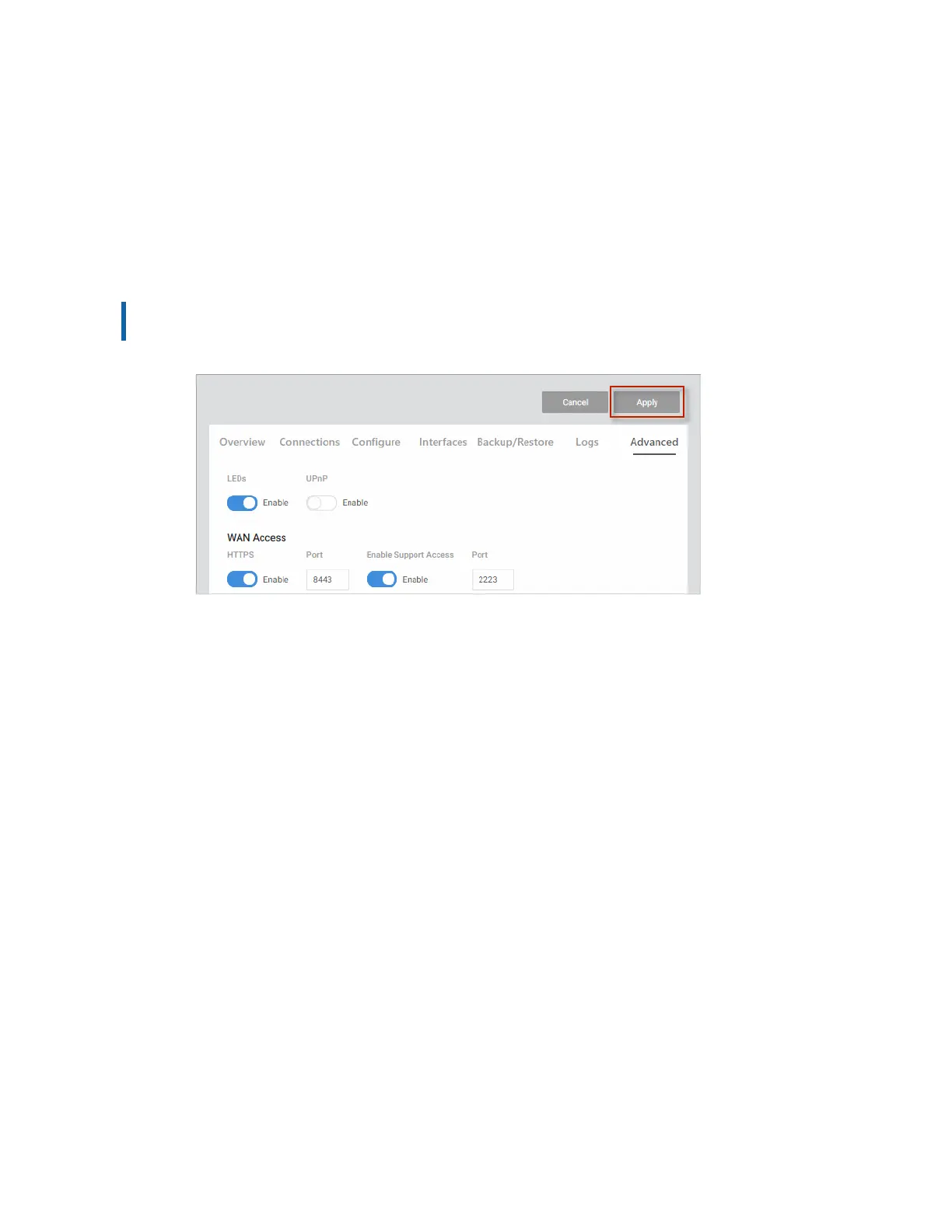
After logging in, you can edit your settings on many tabs.
Important! You must click Apply to save your changes. Changes will not be saved to the
router until you click Apply at the top of the tab.
8



 To Next Page