RT-3100 5-Port Single-WAN Gigabit Router User Guide
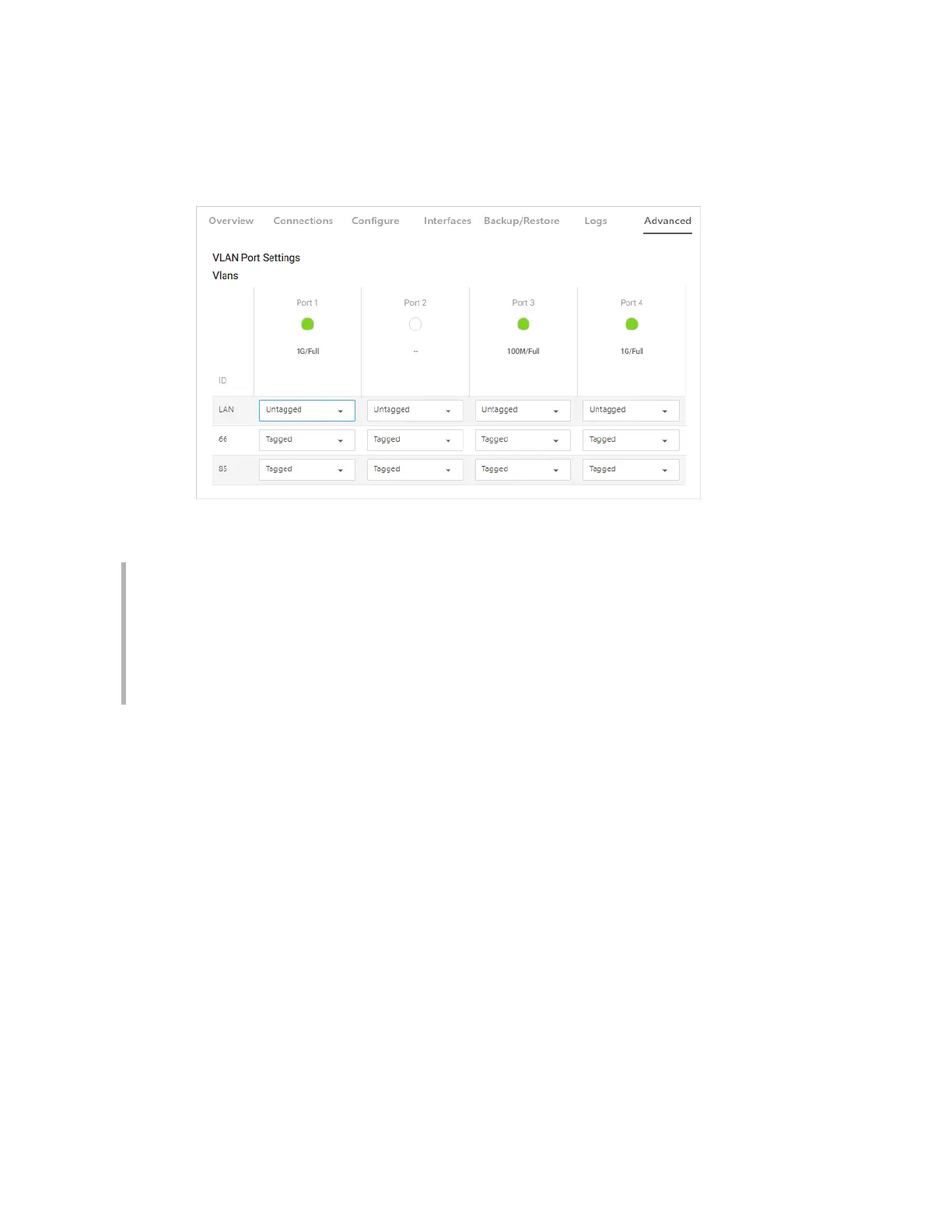
VLAN Port Settings
From the VLAN tile, configure individual port access to VLANs. This allows for the restriction of
VLANs to only certain ports, or to create a port with untagged access to one specific VLAN.
Under the available Ports, go to each network and scroll to select Tagged, Untagged, or Off.
Notes
l
LAN cannot be tagged, only Untagged or Off.
l
A port cannot be set to Untagged on more than one VLAN.
l A port cannot be set to restrict all access to all zones.
l If a network you need is not displayed, you can add new VLAN interfaces on the
Interfaces tab.
64



 To Next Page