RT-3100 5-Port Single-WAN Gigabit Router User Guide
Interfaces
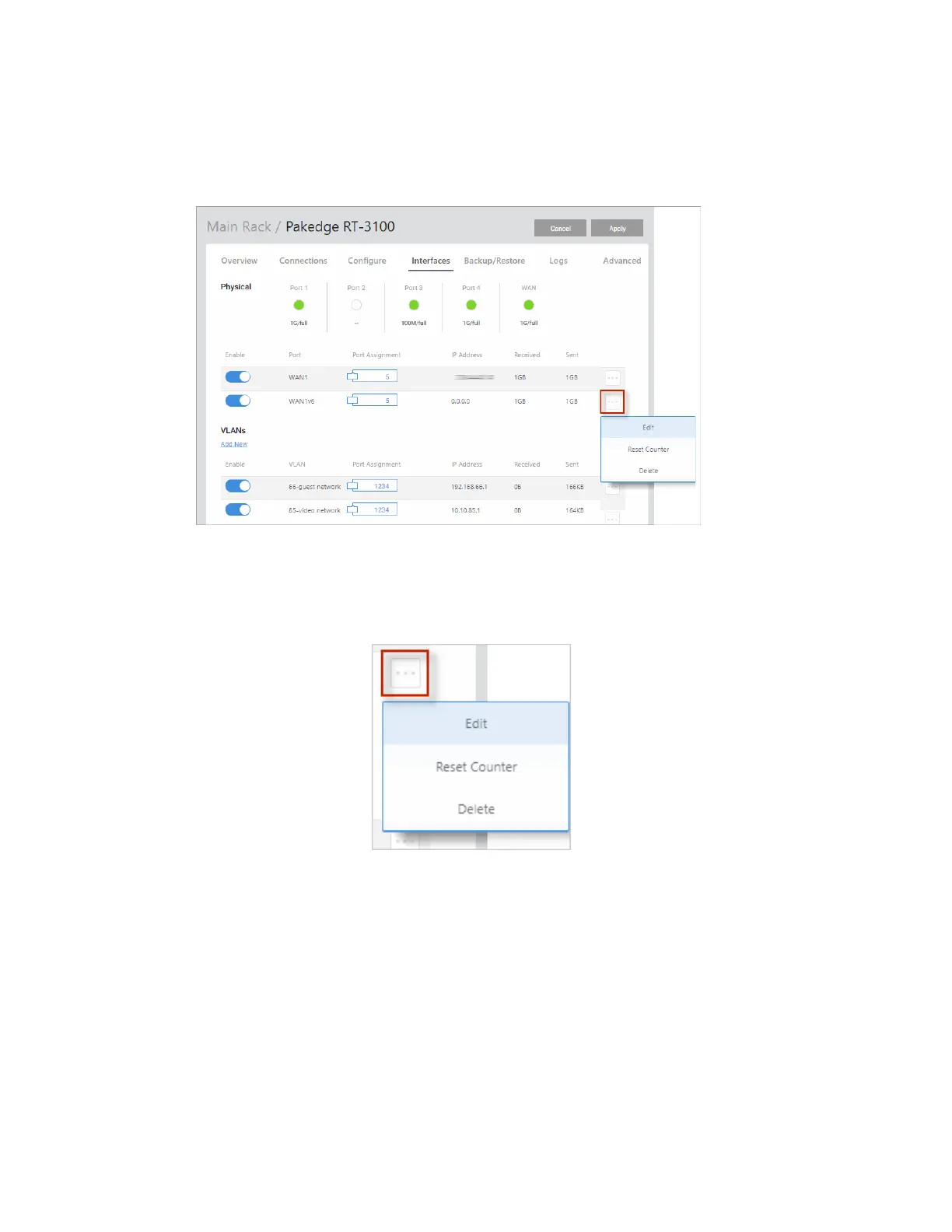
The Interfaces tab gives you easy access to the router’s physical and virtual interfaces.
Enable/disable an interface, check port status, and view/edit interface configurations.
Edit interface settings
To edit an Interface’s assigned IP Address, Subnet Mask, Gateway, or DHCP Settings:
1. Click the … More icon and select Edit.
2.
Type any adjustments (see below)
3. Click Continue.
4. Click Apply (at the top of the page) to save and apply your changes.
13



 To Next Page