RT-3100 5-Port Single-WAN Gigabit Router User Guide
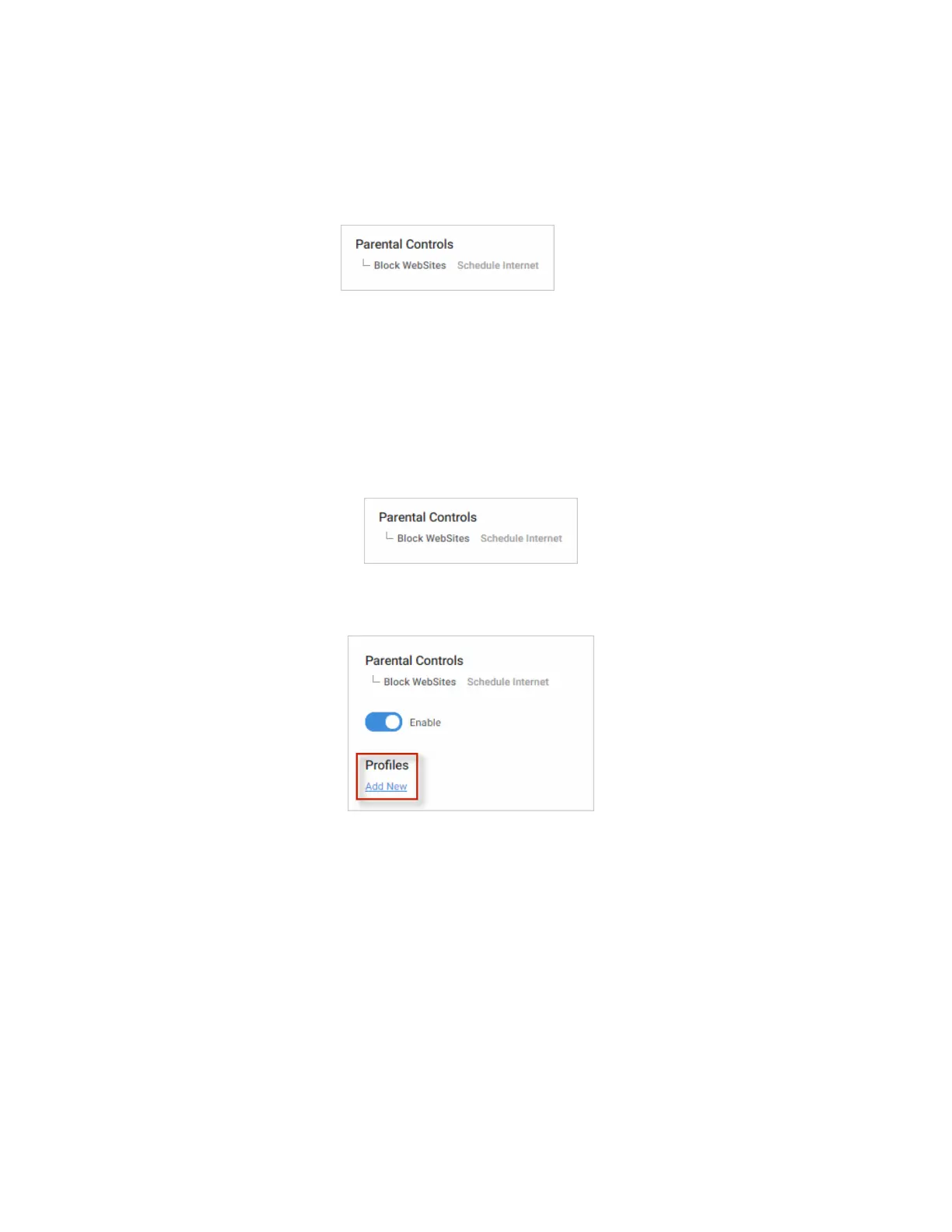
Parental Controls
On the Parental Controls tile, configure rules to limit access to specific websites or restrict
internet access to a device based on a schedule.
Two tabs are on this page: Block Websites and Schedule Internet.
For example, you can use Schedule Internet to disable the internet for all of your children’s
smart phones after 10 pm. You can use Block Websites to prevent users from visiting a site
like www.yahoo.com.
Block websites
To block websites by device:
1. Go to the Advanced tab > Parental Controls. Select the Block Websites tab.
2. To block a website from being accessed on the network, select Enable (under Block
Websites) and then click Add New.
3. Under Website, enter the name of the website that you want to block (for example,
www.yahoo.com).
4. Click Clients and select the IP address(es) for the device(s) that will be blocked from
accessing the website. Click Continue.
(You can select all clients to apply it to every device on the network).
54



 To Next Page