RT-3100 5-Port Single-WAN Gigabit Router User Guide
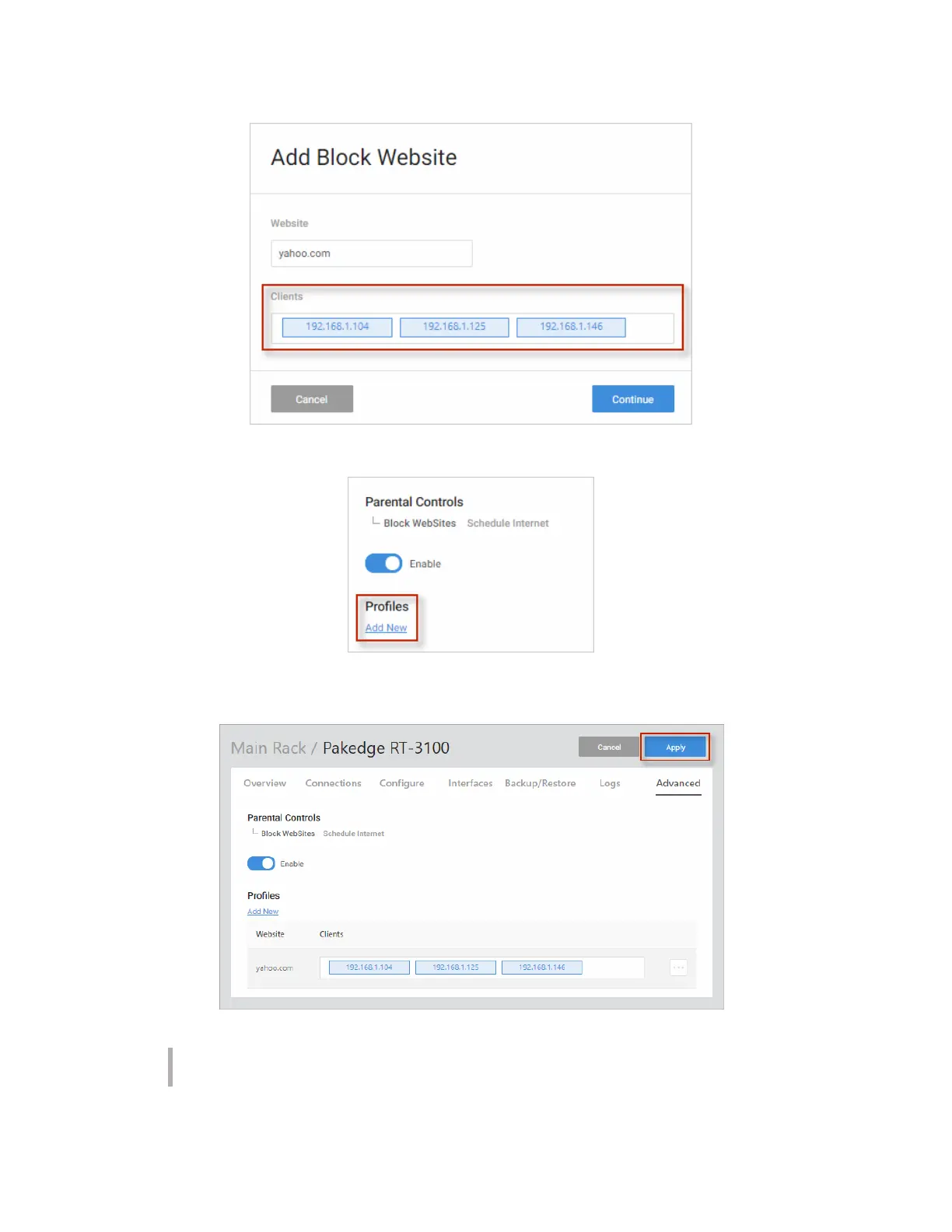
5. To continue adding websites, click Add New.
6. When you are finished, click Apply at the top of the page. The websites you entered are
now blocked.
Note: After you have blocked a website on the router, you must clear the DNS cache
on any devices on the network. You can do this by rebooting the devices.
55



 To Next Page