RT-3100 5-Port Single-WAN Gigabit Router User Guide
Add new policy
Add a new firewall policy to control the forwarding of traffic through the router.
To add a new Firewall policy,
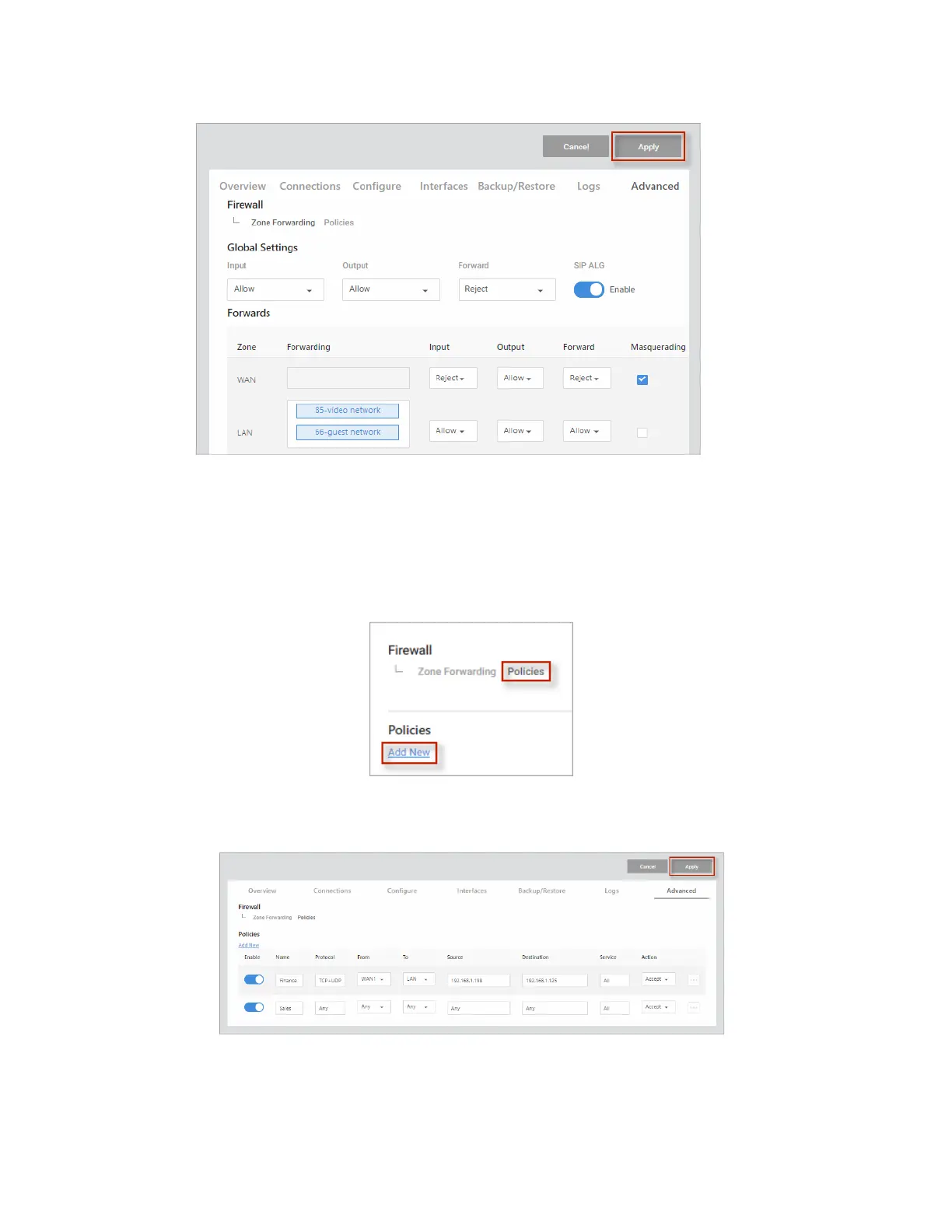
1. Go to the Advanced tab > Firewall, then choose Policies > Add New.
2. Complete the dialog (see table below), then click Continue.
3. To save your changes, click Apply (at the top of the page).
Add Firewall Policies
For help adding Firewall Policies, see the table below.
44



 To Next Page