RT-3100 5-Port Single-WAN Gigabit Router User Guide
Accessing the router
To access the router’s interface:
1.
Connect an Ethernet cable to the router and a computer.
2.
Make sure your network card is set to obtain an IP address automatically, then open any
internet browser and go to http://192.168.1.1 or pakedgerouter.com.
Note: For best results, we recommend using Mozilla Firefox as your web browser.
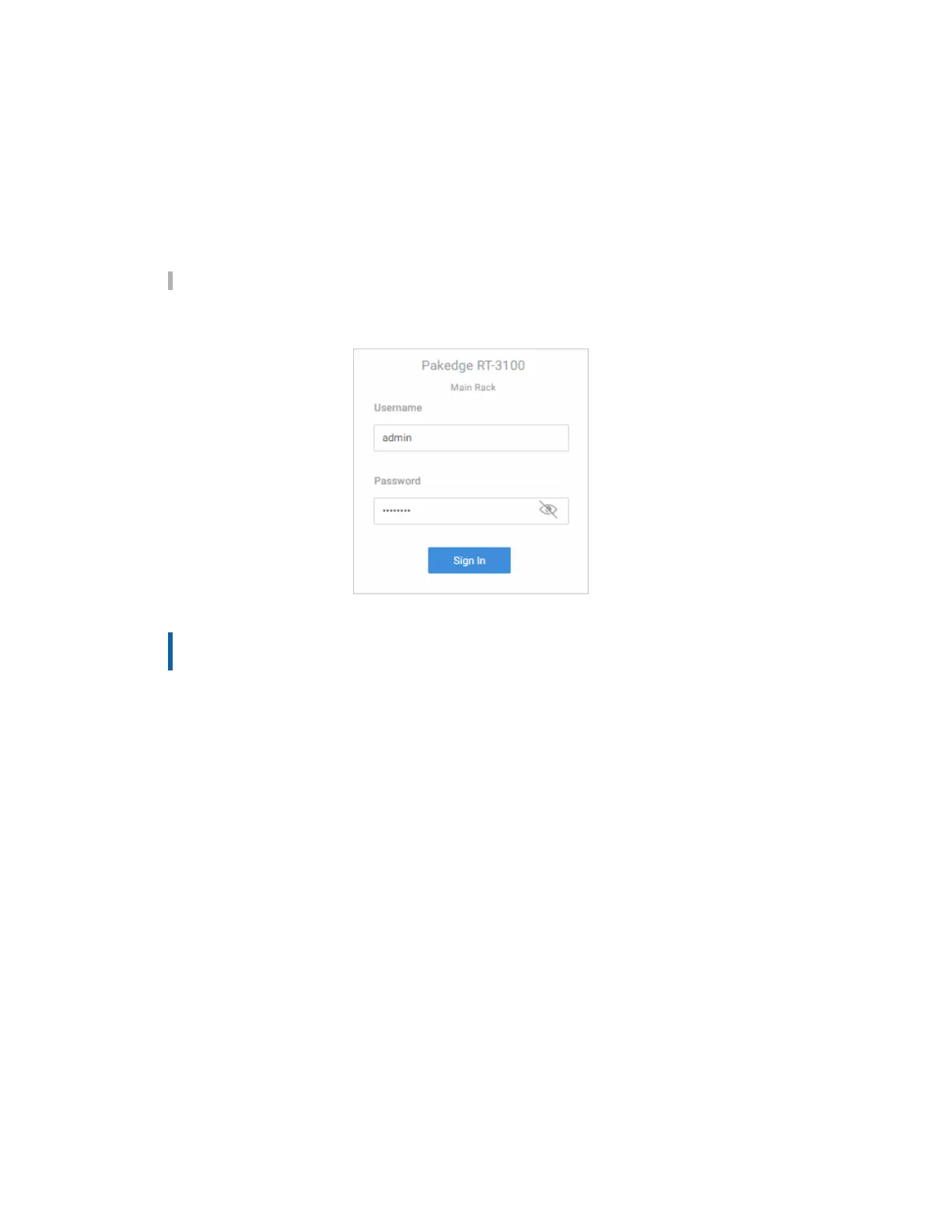
3. Enter the default username admin and the password password, then click Sign in.
Important: You must change this default password. For instructions, see
Username/Password.
7



 To Next Page