RT-3100 5-Port Single-WAN Gigabit Router User Guide
Logs
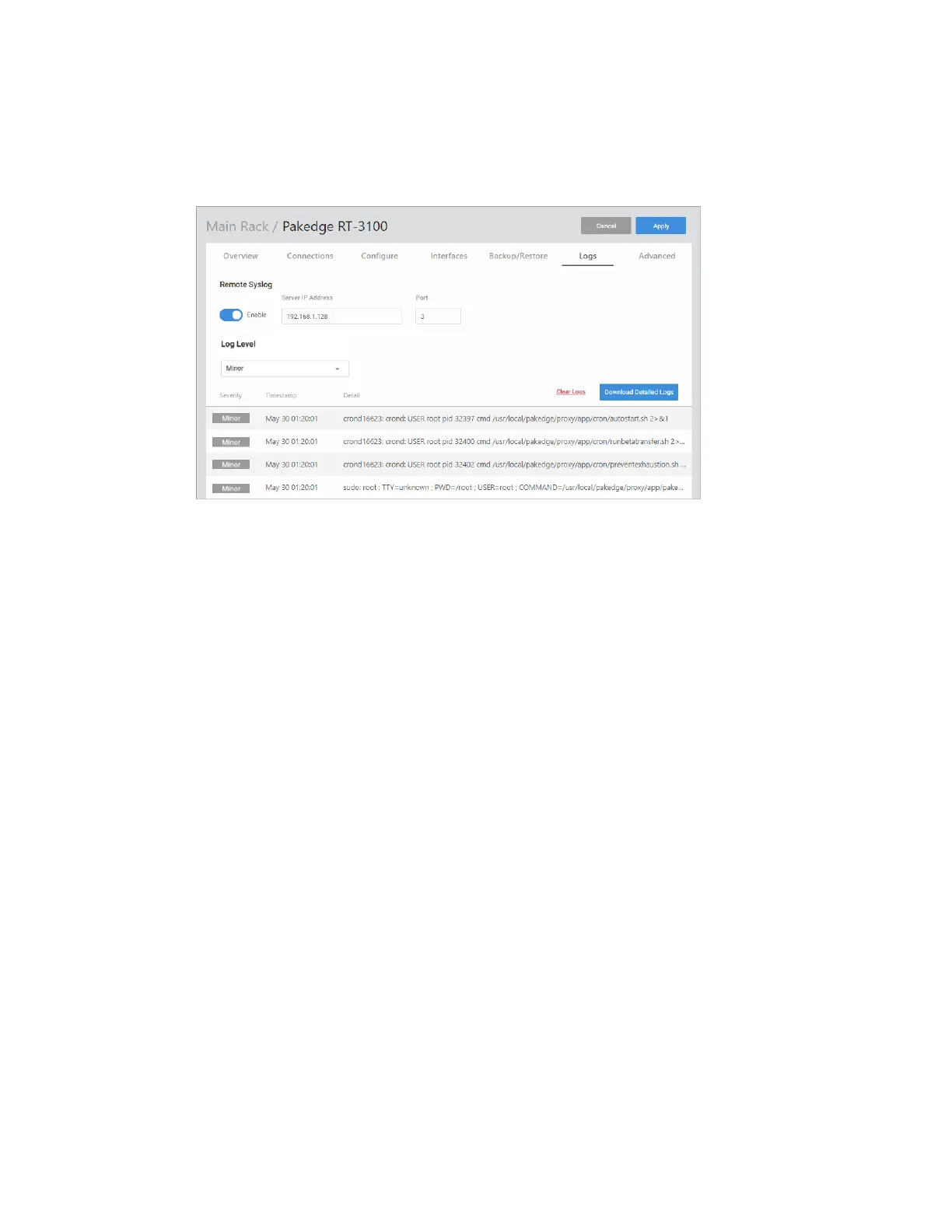
The Logs tab displays a record of system events effected by the router. The events are
categorized and sortable by severity, timestamp, and details.
l
Remote Syslog: Enable to save the logs on another network. You’ll also need to specify
the remote Syslog server IP address and port.
l
Log Level: Choose to display Minor, Major, Critical, or Debug logs.
l
Clear Logs: Delete all current logs.
l
Download Detailed Logs: Download more verbose descriptions of the logged events.
24



 To Next Page