RT-3100 5-Port Single-WAN Gigabit Router User Guide
L2TP
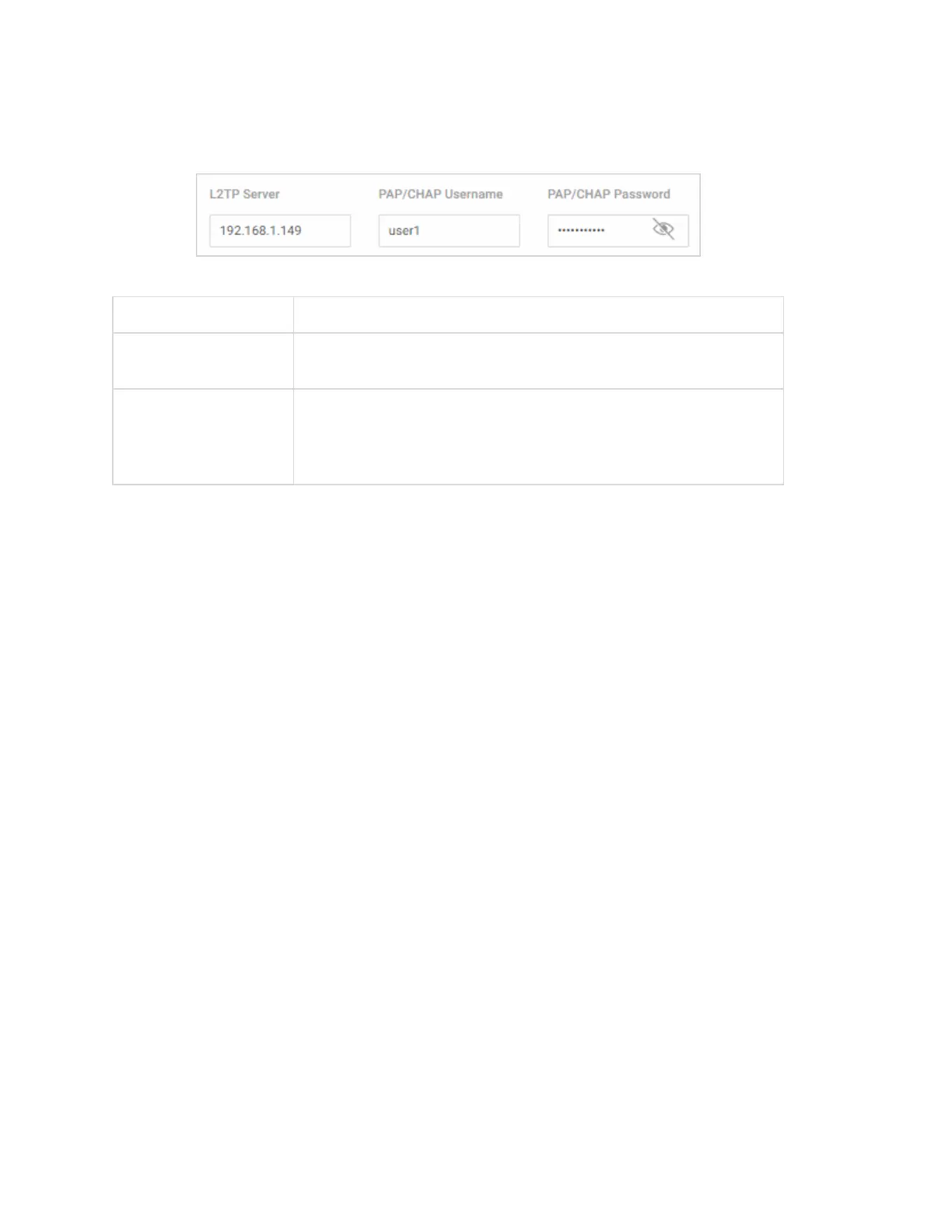
If you are using L2TP mode, configure these settings:
Field Description
L2TP Server
Enter the remote server IP address of the L2TP server you’re
connecting to.
PAP/CHAP
Username
PAP/CHAP
Password
Enter the L2TP Username and Password.
Edit LAN/VLAN Settings
In the Edit LAN/VLAN dialog, specify how devices will connect to the local network(s) of the
router.
19



 To Next Page