RT-3100 5-Port Single-WAN Gigabit Router User Guide
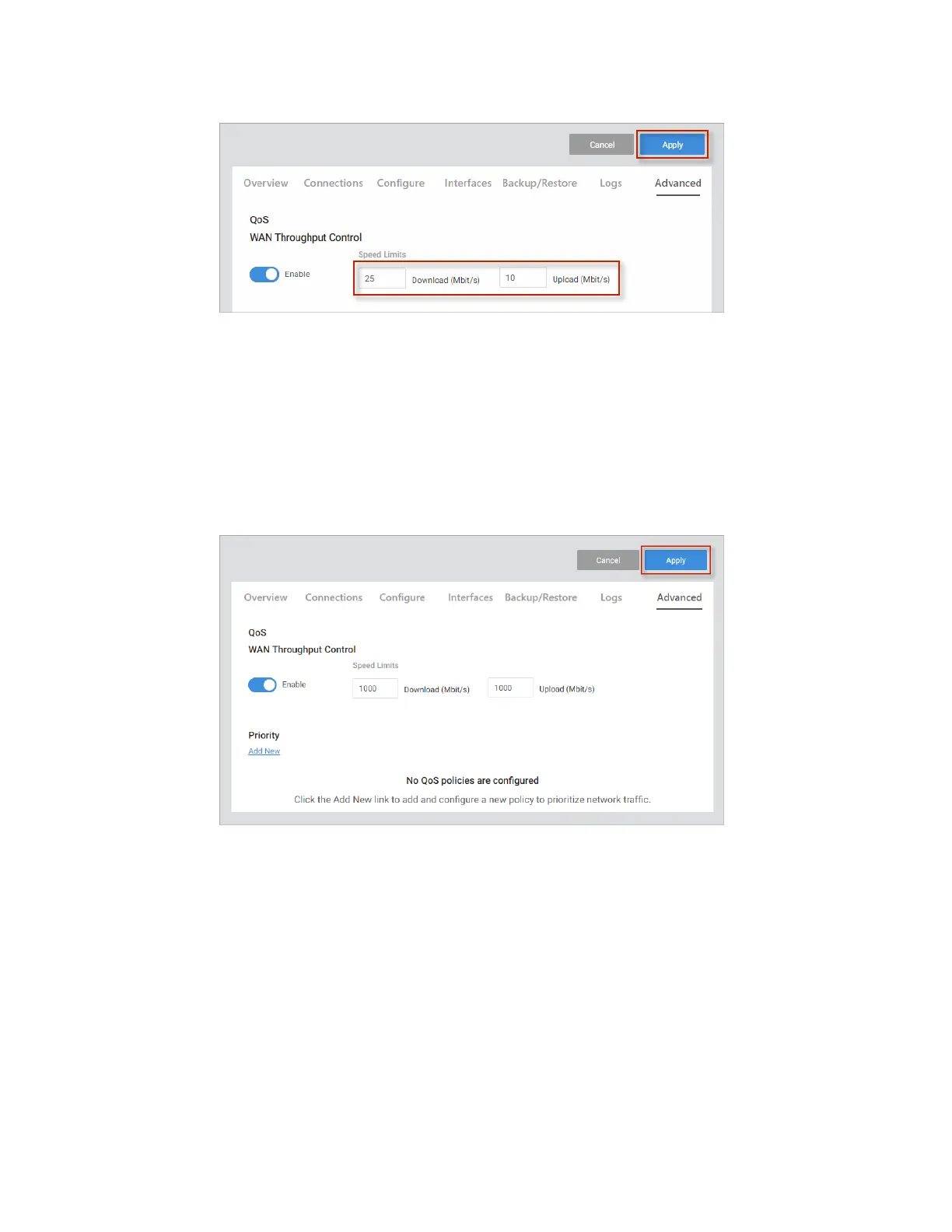
3. At the top of the page, click Apply to save and enable your changes.
Add a QoS priority setting
If you want to create a new QoS policy to prioritize the data for some devices over others,
1. Go to the Advanced tab > QoS. Under Priority, click Add New.
2. Complete the dialog (details below), then click Continue.
3. Click Add New to add any other priorities.
4. At the top of the page, click Apply to save and enable your changes.
60



 To Next Page