RT-3100 5-Port Single-WAN Gigabit Router User Guide
2.
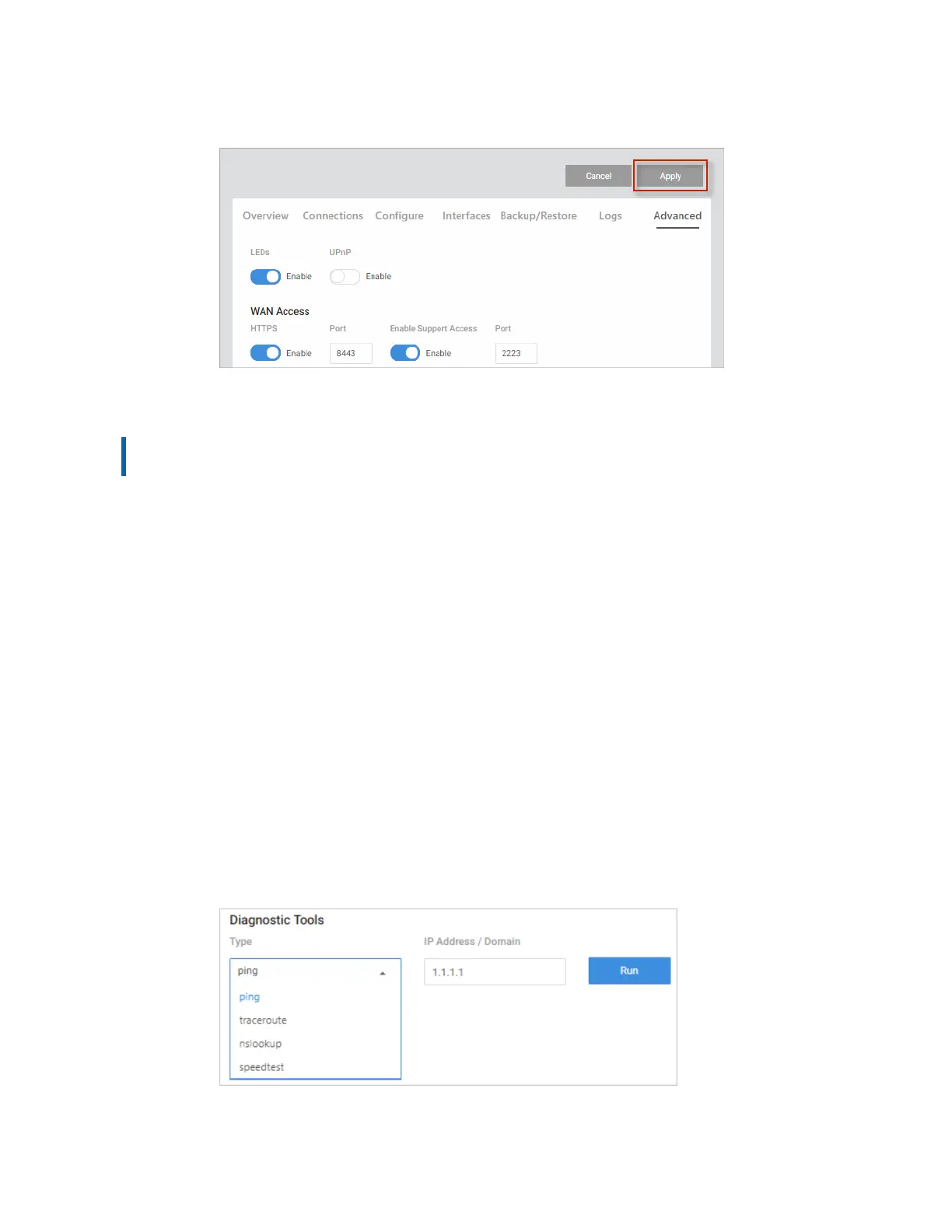
When you are ready, click Apply to save your changes.
Settings
Important! For your safety, WAN Access and SNMP are disabled by default. If you enable
these services, be sure to use proper security measures.
Click to Enable (slider turns blue) or Disable (slider turns white) the following settings:
1. LEDs – Enable/disable the router LEDs.
2. UPnP – Enable UPnP. UPnP allows for automatic configuration of the router for your
devices. This can be essential for certain audio/video systems and devices such as game
consoles.
3. Web GUI Timeout – Specify the number of minutes a user must be idle before they are
automatically logged out.
4. WAN Access – Enable WAN Access to access the router remotely.
a. HTTPS: Enable WAN HTTPS access; configure which port to use for WAN
HTTPS access to the router web UI.
b. Enable Support Access: Enable WAN SSH access; configure which port to
use for SSH access to the router CLI.
5. SNMP – Enable SNMP to monitor network devices and their performance/
configuration.
Diagnostic Tools
Under Diagnostic Tools, easily troubleshoot your network.
29



 To Next Page