RT-3100 5-Port Single-WAN Gigabit Router User Guide
Connections
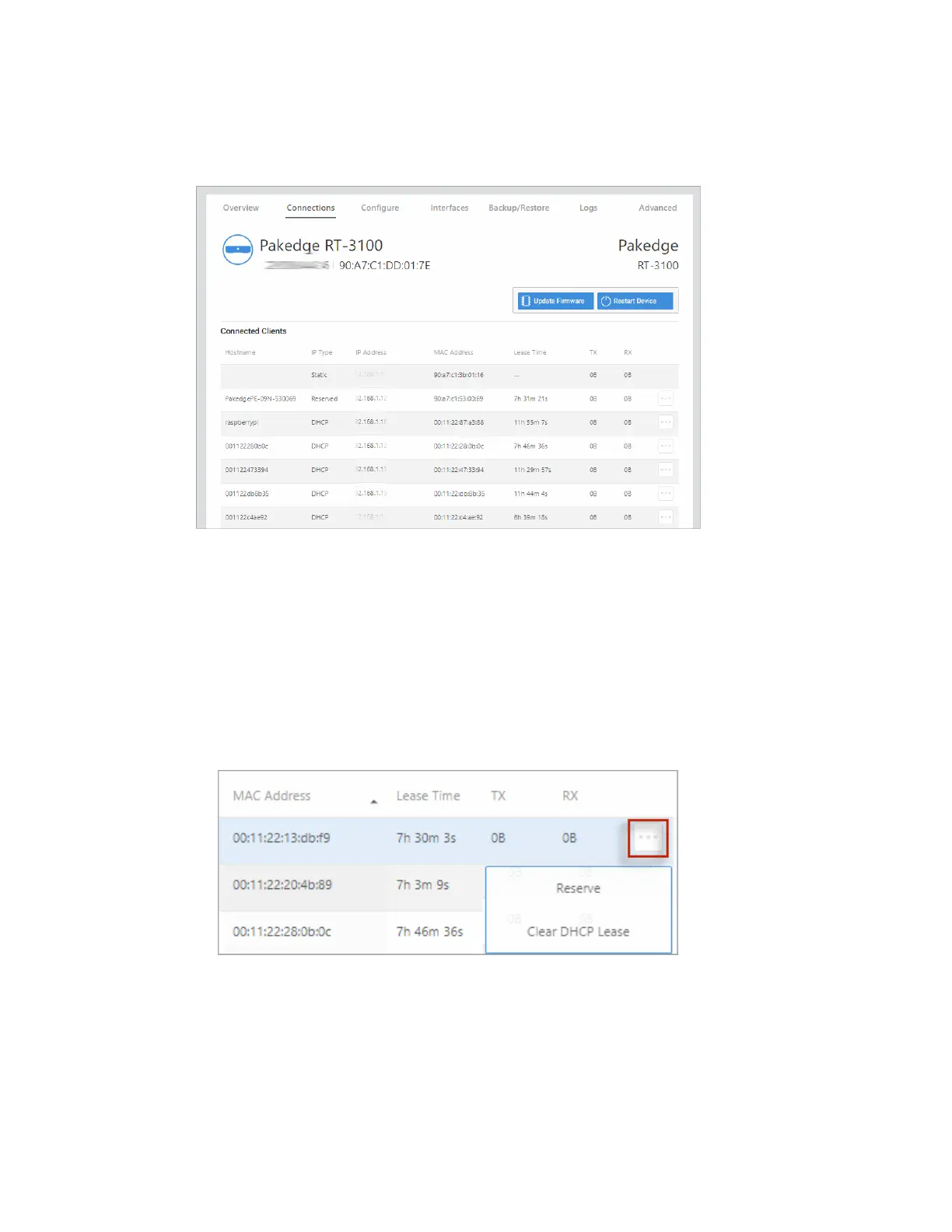
The Connections tab displays a list of connected devices.
Click any column head to sort the list by that field. Available fields are:
l Hostname
l IPType
l IP Address
l MAC Address
l Lease Time
l TX/RX
To Reserve or Clear a DHCP Lease on a device, click the … More icon.
l
Reserve: Click Reserve to have DHCP to always assign the same IP address to the
selected machine.
l
Clear DHCP Lease: Click Clear DHCP Lease to have the server immediately assign a
new IP address to the selected machine.
12



 To Next Page