RT-3100 5-Port Single-WAN Gigabit Router User Guide
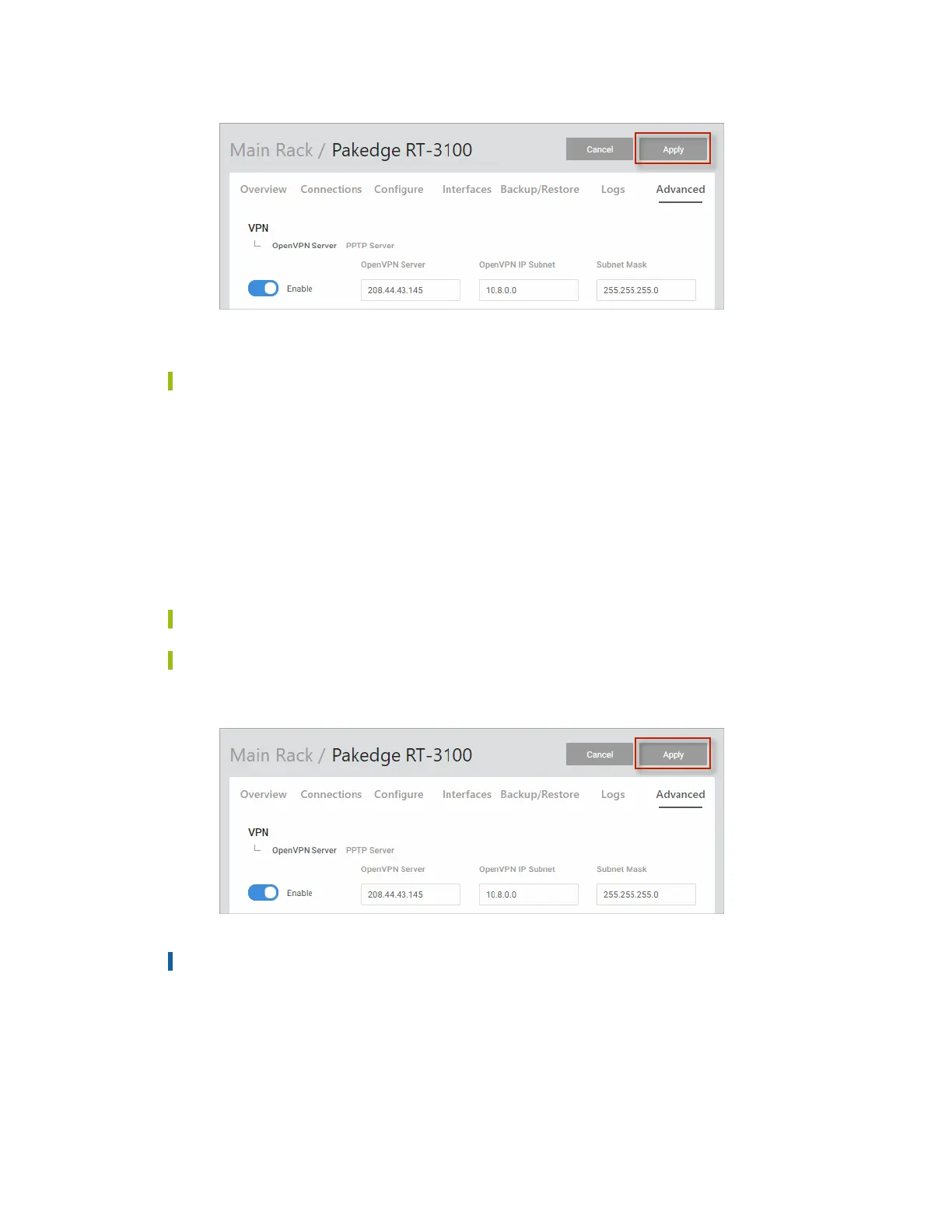
The OpenVPN server is enabled.
Tip: Click Cancel to clear the settings on the page.
Create OpenVPN user profiles
Once OpenVPN is enabled, create each user profile. Create one profile for each computer that
will need VPN access.
To create an OpenVPN user profile:
1. Go to the Advanced tab > VPN.
2. On the OpenVPN Server tab under Profiles, click Add New.
3. Create a profile. Type a descriptive profile name and click Continue.
Tip: Do not use spaces/special characters.
Tip: Profile names must be unique.
4. After creating all desired profiles, click Apply.
Important! Profiles are incomplete until Apply is selected.
l Allow the profiles to configure (this will take some time).
l Each operating system has its own version of an OpenVPN client. The connecting
device will need to download an OpenVPN client (which we have recommendations
on below).
66



 To Next Page