RT-3100 5-Port Single-WAN Gigabit Router User Guide
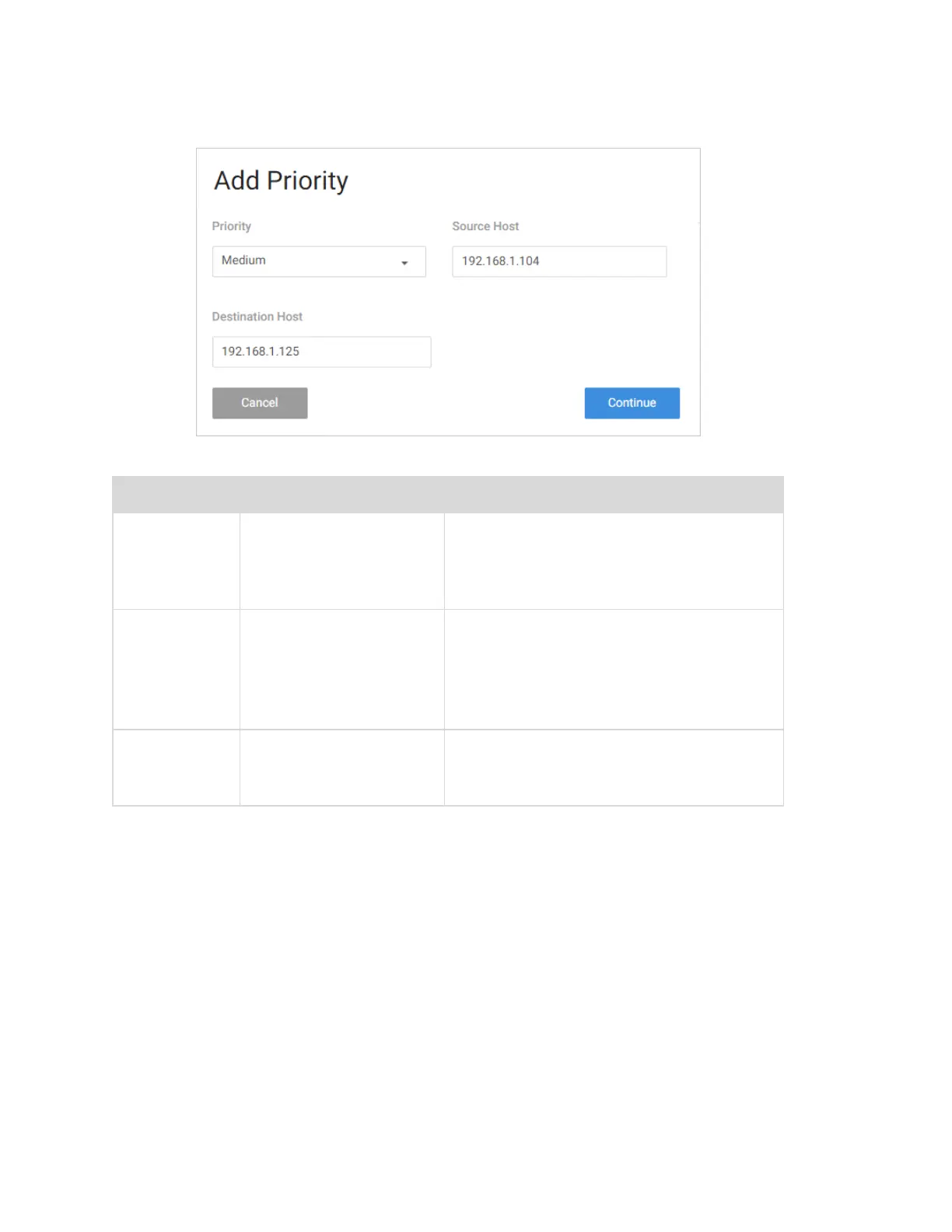
Complete the Add Priority dialog
Field Description Values
Priority
Select the priority of
the data.
l High
l Medium
l Low
Source
Host
Define which source IP
address the policy will
apply to.
If you select All, the policy will apply to all
devices on the network.
If your device is listed in the drop down
menu you can select it, otherwise,
manually enter the IP address.
Destination
Host
Define which IP
destination address the
policy will apply to.
If you select All, then the policy will apply
to any IP address on the internet.
61



 To Next Page