RT-3100 5-Port Single-WAN Gigabit Router User Guide
Schedule Internet
The Schedule Internet feature allows you want to block certain client services from accessing
the internet during specific times.
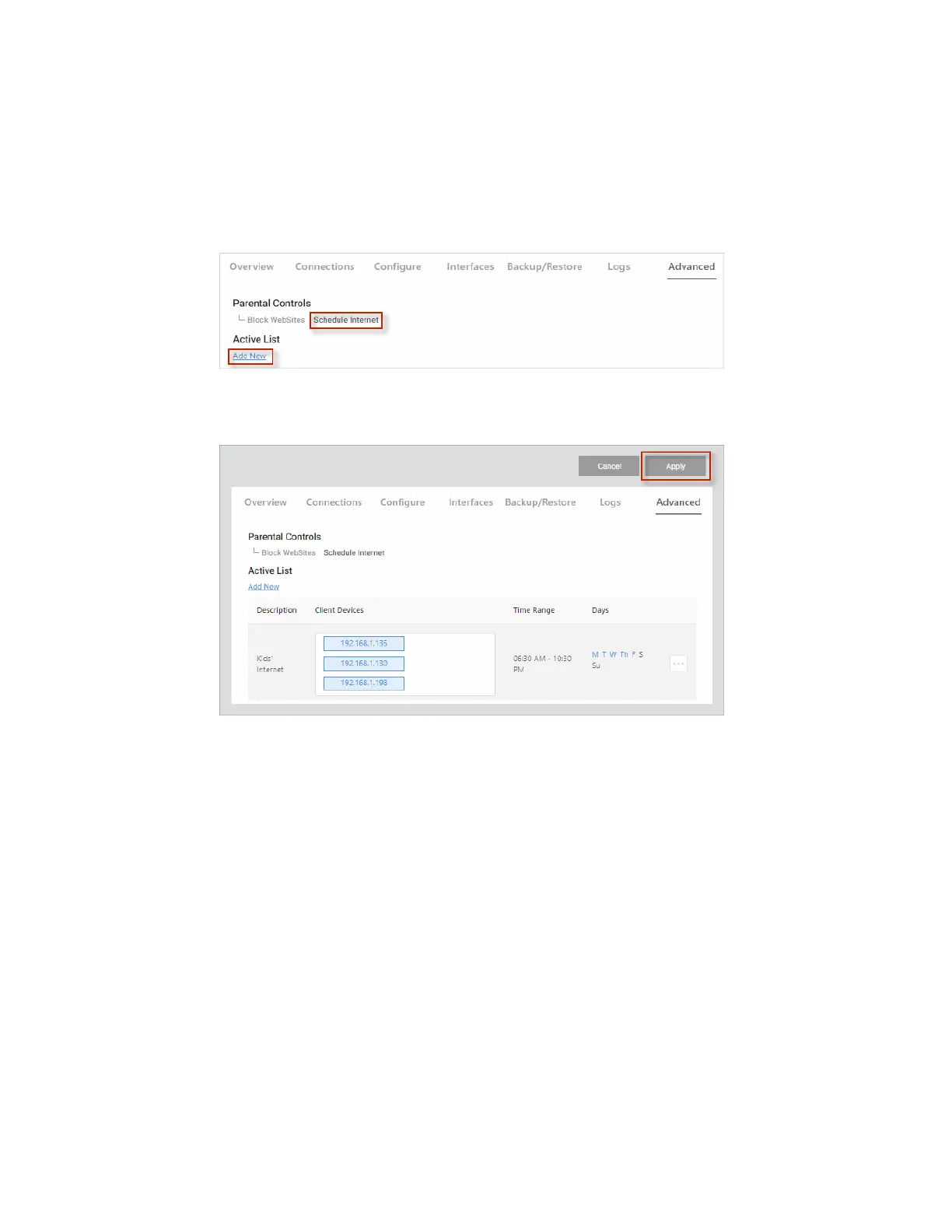
To block a client’s services from accessing the internet:
1. Go to the Advanced tab > Parental Controls and select the Schedule Internet tab.
2. Click Add New and complete the dialog (see table below), then click Continue.
3. Click Apply (at the top of the page) to save your changes.
56



 To Next Page