RT-3100 5-Port Single-WAN Gigabit Router User Guide
Internal
Interface
Internal IP
Address
Specify which local IP address to forward traffic
to.
l Enter a valid IP
address
NAT
Loopback
Enable NAT Loopback to allow devices on the
local network to be able to access other local
devices by the Public IP associated with the
forwarding policy.
l Enable/disable
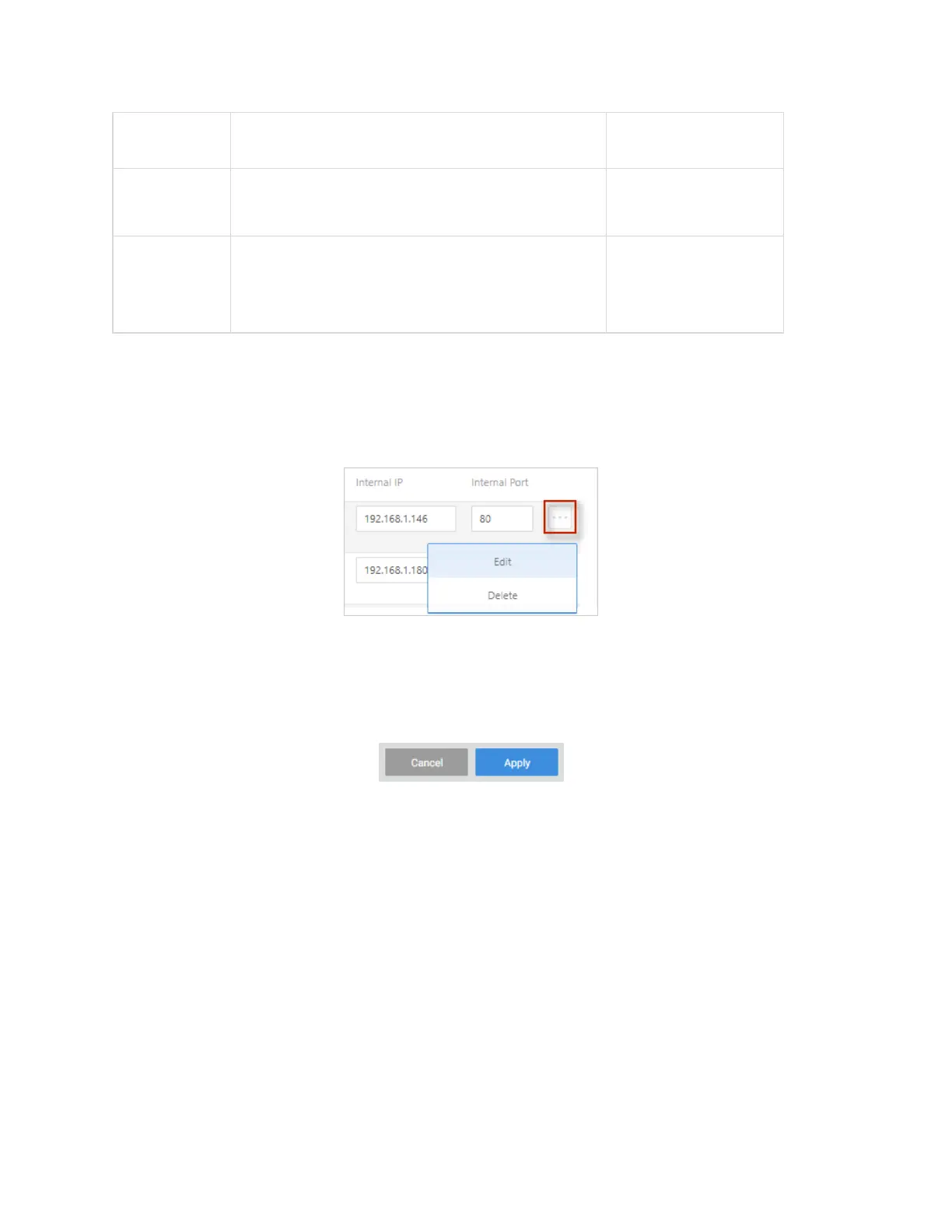
To edit or delete an existing NAT policy:
1. Go to the Advanced tab > NAT. Next to the policy you wish to edit, click the … More
icon.
l
Edit – Click Edit, complete the dialog (see table above), and click Apply (at the top
of the page) to save your changes.
l
Delete - Click Delete, then confirm.
2. Click Apply (at the top of the page) to finalize the action.
53



 To Next Page