RT-3100 5-Port Single-WAN Gigabit Router User Guide
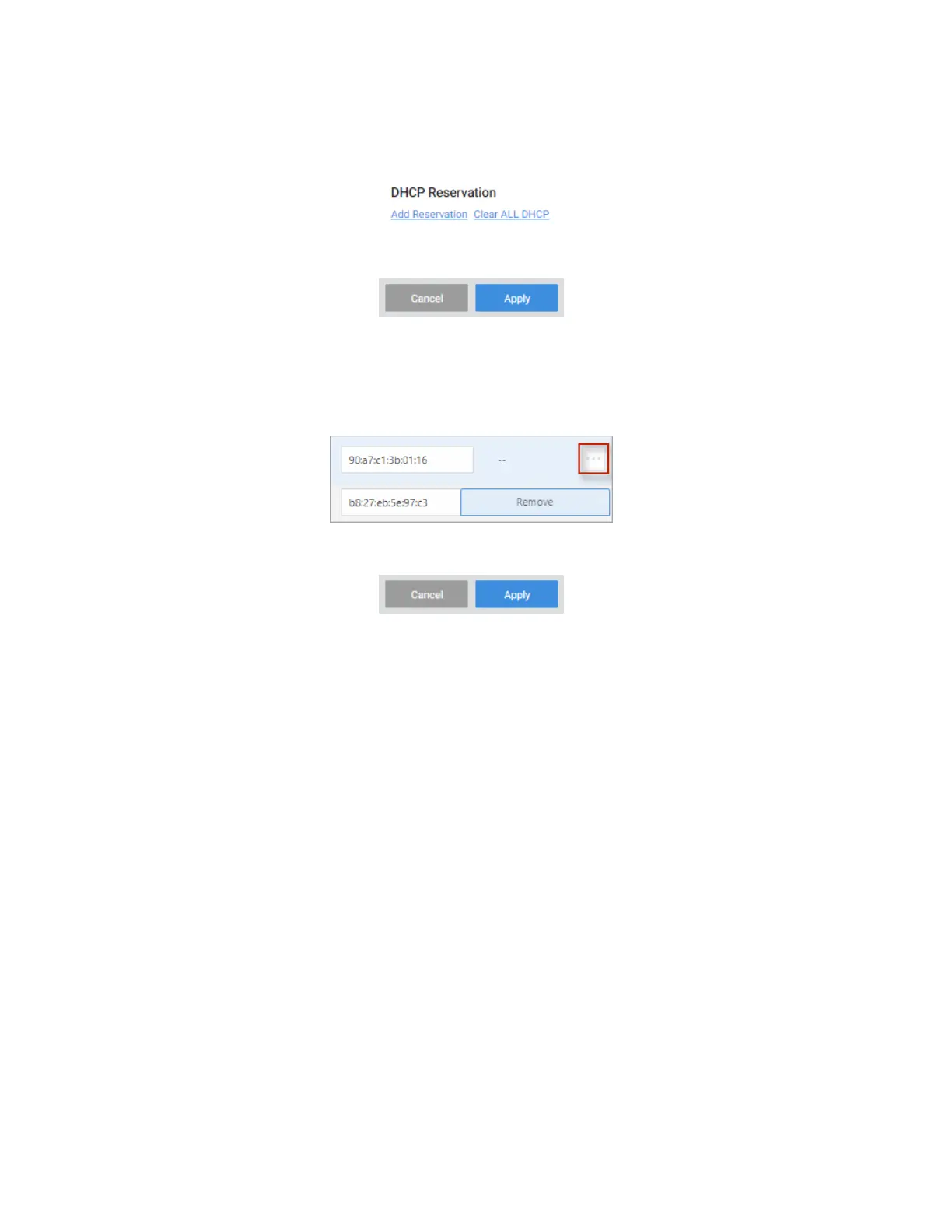
To remove all reservations at once:
1. Go to the Advanced tab > DHCP Reservation and click Clear All DHCP.
2. Click Apply (at the top of the page) to finalize the action.
To remove a single reservation:
1. Go to the Advanced tab > DHCP Reservation.
2. Next to the device, and click the … More icon and select Remove.
3. Click Apply (at the top of the page) to finalize the action.
34



 To Next Page