DigitalFlow™ DF868 Multipurpose Ultrasonic Liquid Flowmeter Programming Manual (2-Channel) 127
Appendix C. Programming with PanaView
:C.7 Changing Meter Settings (cont.)
Note: If you click on either [Next Item] or [Previous Item] without changing the settings, the current settings remain
unchanged.
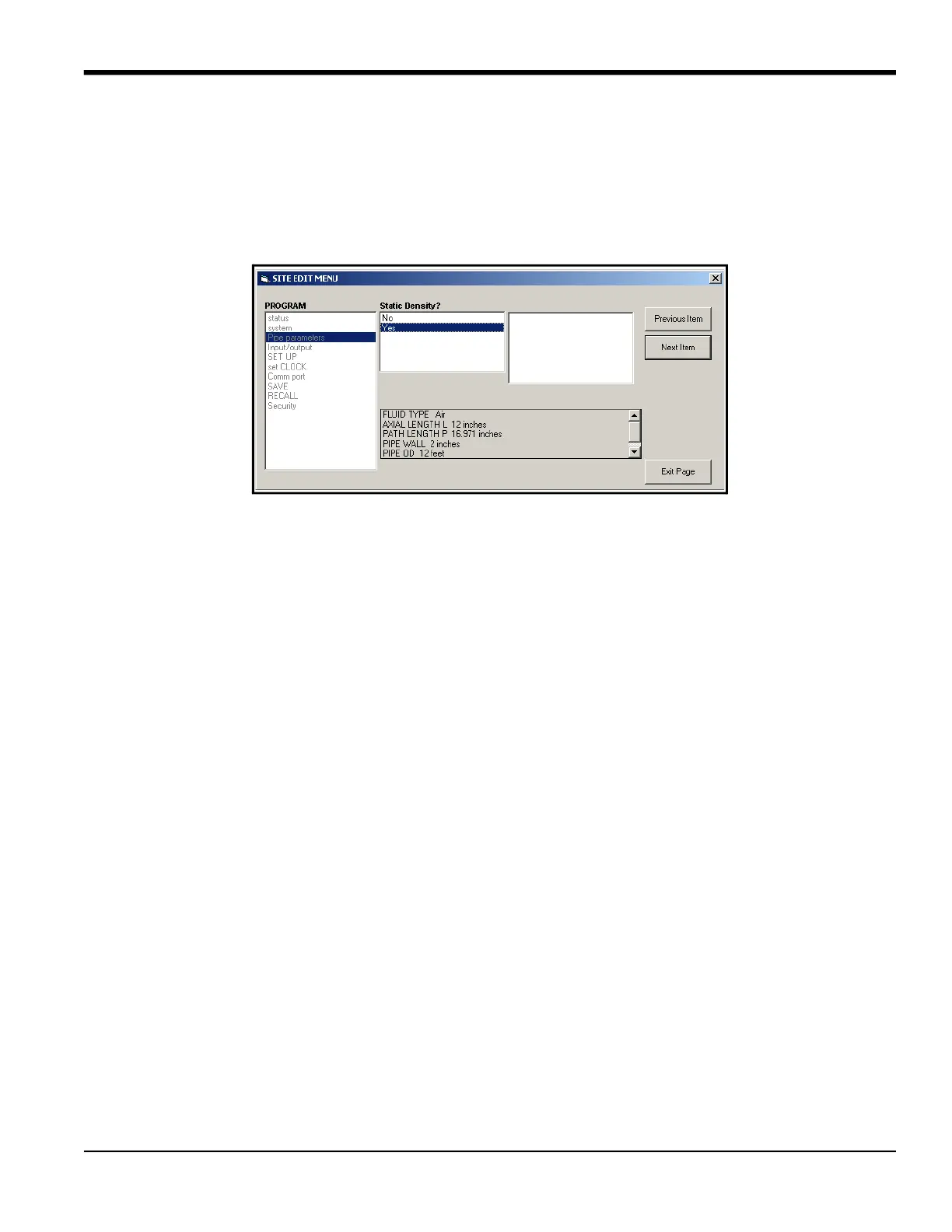
As you step through the menu, the bottom panel lists the current settings you have modified or left unchanged, as
shown in Figure 39. If you modify or step through more than five items, a scroll bar at the right of the panel lets you
review the earlier settings.
Figure 39: Site Edit Menu with Current Settings
7. When you have completed entering parameters in a given option, click [Exit Page] to close the option. You can
then double-click on another option, or click [Close] to close the window.
You can double-click on another menu to modify its settings, or return to the New Meter Browser. For additional
PanaView functions, refer to the PanaView User’s Manual.



 To Next Page