Chapter 2. Displaying Data
60 DigitalFlow™ DF868 Multipurpose Ultrasonic Liquid Flowmeter Programming Manual (2-Channel)
2.5.2 Numeric Format
The Model DF868 can log up to three parameters simultaneously. Each set of data values is called a record, and up to
120 consecutive records can be stored in a page. A log file can consist of up to 120 pages. The numeric log display,
which shows one record at a time, includes the following components:
• page number
• record number
• time and date of creation
• measurement value set
• error messages (if any)
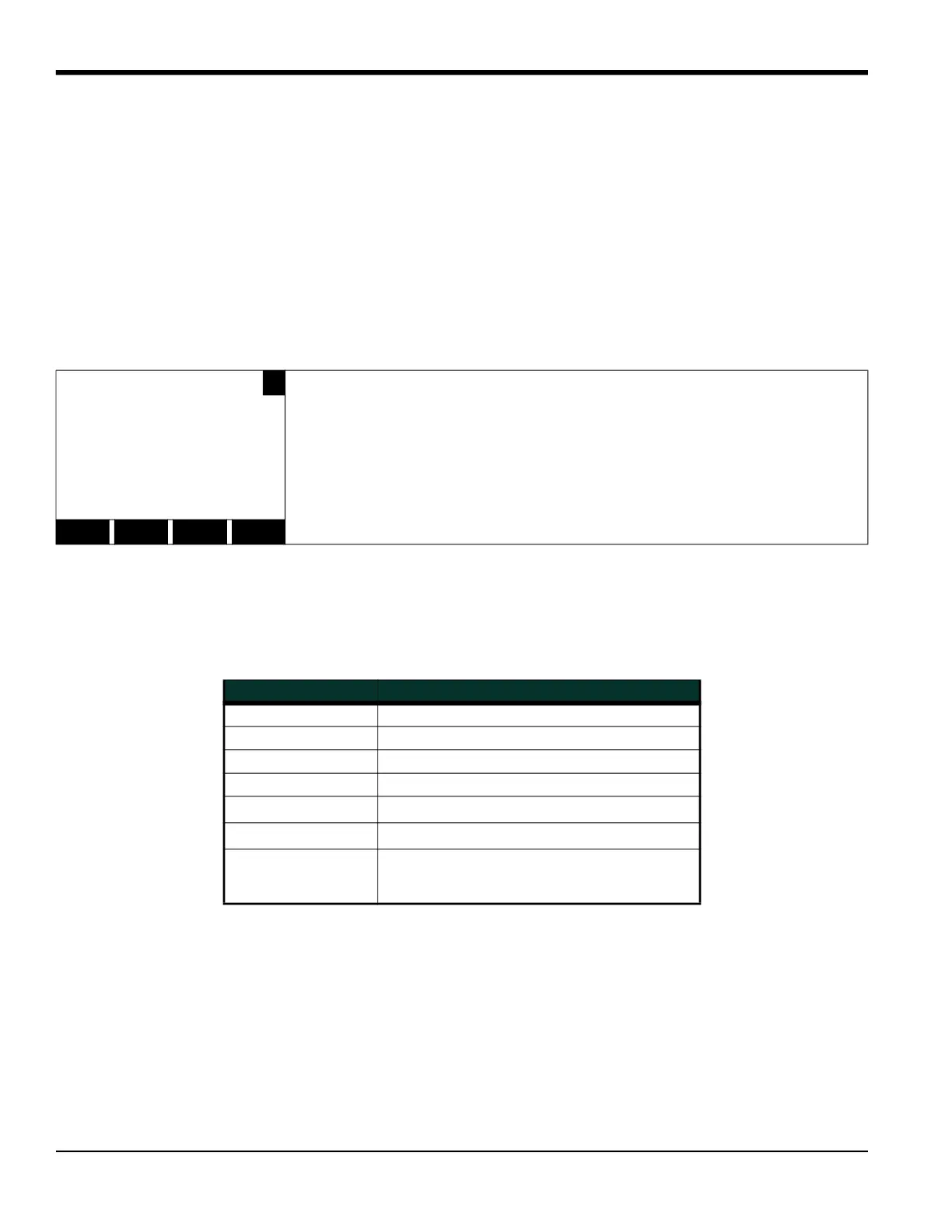
Upon choosing NUM at the FORMAT prompt, the first record of the selected log file is displayed in a screen similar to
the following:
I
In the numeric display screen, the locator bar (except for the inverse video pointer at the far right) is replaced by a
standard video display of the page number and record number. The first line of the prompt area shows the time and
date that the record was created, and the next three lines list the values for the three logged parameters. Finally, any
error condition that existed at the time the record was taken is indicated by an error code in the bottom line of the
prompt area.
PAGE# 1 REC# 80
‰
Use the [, [ and [F1]-[F4] keys to view additional records or to exit the log
display. The options are listed in Table 29.
09 MAR 98
11.66 Ft/s
1.32 KACF/MI
6.91 KACF
E5: Amplitude
<CURS CURS> <PAGE PAGE>
Table 29: Numeric Log Display Options
Option Bar Choice Description
[F1] = <CURS display previous record on current page
[F2] = CURS> display the next record on the current page
[F3] = <PAGE display the previous page
[F4] = PAGE> display the next page
[
+ [F1] = START
display the first record on the current page
[
+ [F2] = END
display the last record on the current age
[
+ [F3] = EXIT
Leave the numeric LOG display and return to
the previous data format. (The keypad
[EXIT] key will also perform this function.)











 To Next Page