Chapter 1. Programming Site Data
6 DigitalFlow™ DF868 Multipurpose Ultrasonic Liquid Flowmeter Programming Manual (2-Channel)
1.3 Obtaining On-line Help
A context-sensitive, on-line help system is programmed into every Model DF868 flowmeter. On-line help, which
displays additional information related to the current task, may be accessed at any time by pressing the [HELP] key
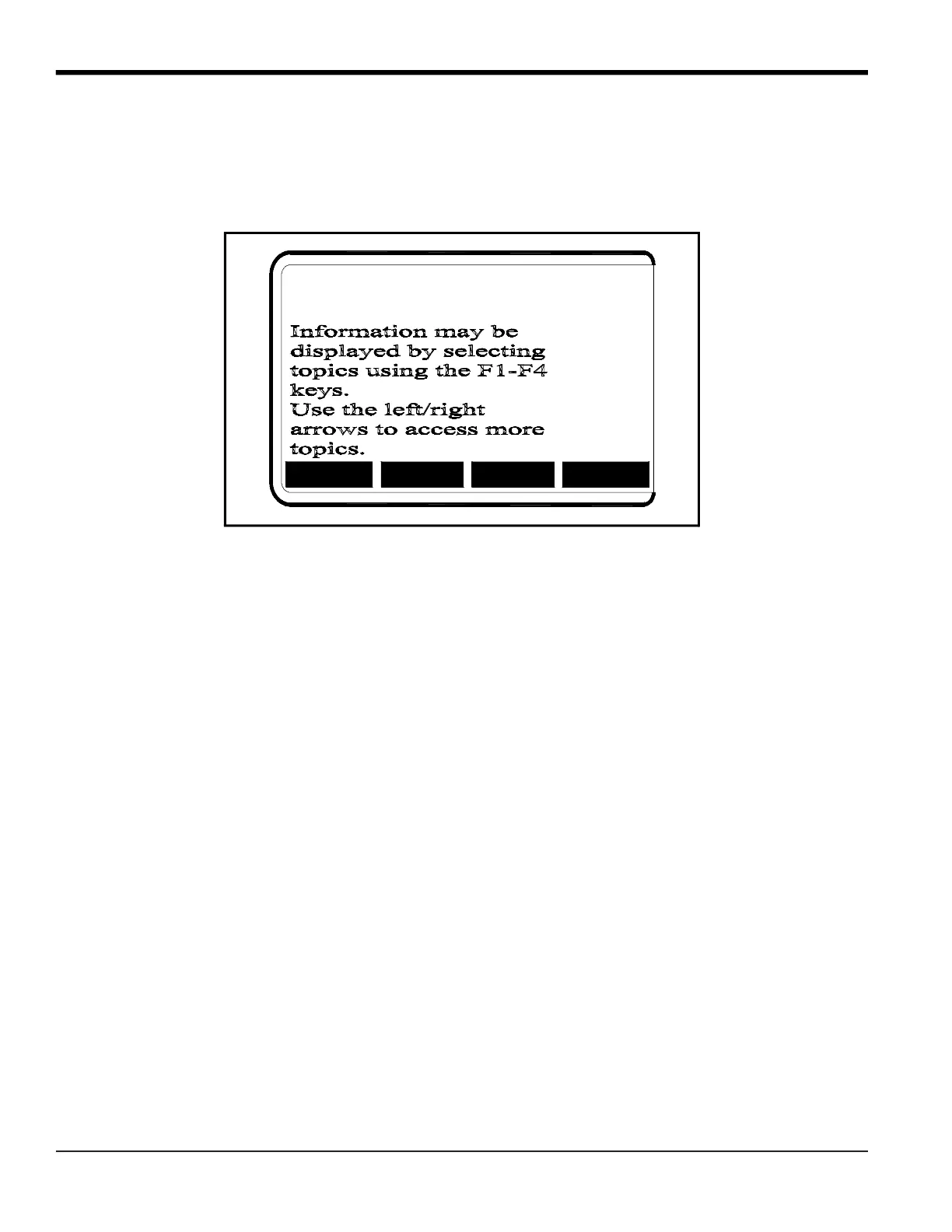
on the keypad. The help information will be shown on the currently selected pane of the display screen, as shown in
Figure 2.
Figure 2: Typical On-Line Help Screen
After entering the on-line help system, the following functions are available on the option bar of the selected display
pane:
• MORE: Press [F1] (or [F5]) to access this function, and the next screen of text is displayed in the prompt area.
• EXIT: Press [F2] (or [F6]) to access this function, and the Model DF868 returns to measurement mode.
• ERROR: Press [F3] (or [F7]) to access this function, and the various Model DF868 error codes are displayed. Use
the [F1]-[F4] (or [F5]-[F8]) function keys, in conjunction with the [
and [ keys, to obtain additional
information on the desired error code or to exit the help system.
Note: See the Service Manual, Chapter 2, Error Codes and Screen Messages, for a complete listing of all error codes
and messages.
• FLOW: Press [F4] (or [F8]) to access this function, and the various flow measurement parameters are displayed.
Use the [F1]-[F4] (or [F5]-[F8]) function keys, in conjunction with the [
and [ keys, to obtain additional
information on the desired measurement parameter or to exit the help system.
MORE
FLOW
EXIT
ERROR
MORE
EXIT
ERROR FLOW











 To Next Page