DigitalFlow™ DF868 Multipurpose Ultrasonic Liquid Flowmeter Programming Manual (2-Channel) 121
Appendix C. Programming with PanaView
C.6.3 Plotting Transducer Signals
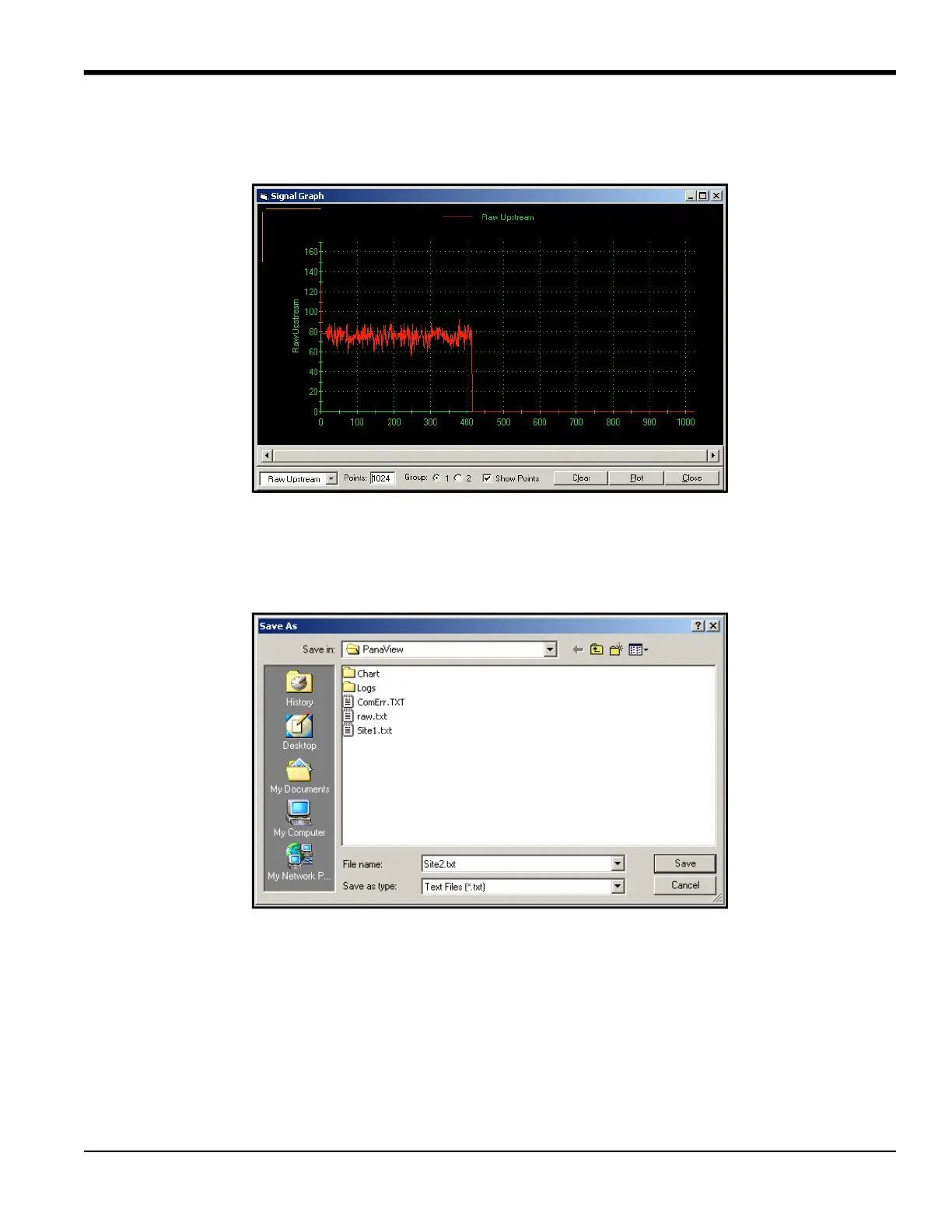
To plot the selected signal, click on Plot. A graphical window opens, as shown in Figure 29.
Figure 29: Signal Graph Window
C.0.1 Saving Transducer Signals
To save the raw signal, click Save. A window opens similar to the one shown in Figure 30. Enter the desired name, and
click Save to save the signal as a text file.
Figure 30: Save As Window
C.6.4 Clearing Totalizers
To clear the meter totalizers, click on the Clear Totalizers button in the Properties window. The meter totalizers are
reset to 0.











 To Next Page