DigitalFlow™ DF868 Multipurpose Ultrasonic Liquid Flowmeter Programming Manual (2-Channel) 81
Chapter 4. Printing Data
4.4.1 Numeric Format
After the numeric format (and starting page and number of pages, if applicable) is chosen, the Model DF868 returns
to the standard data display screen and begins printing the log file. The printout continues until the entire log has
been printed or until a STOP command is issued (see the instructions for the STOP submenu on page 83). A portion of
a typical printout is shown in Figure 5.
Figure 5: A Typical Numeric Printout
4.4.2 Graphical Format
After the graphical format (and starting page and number of pages, if applicable) is chosen, the following additional
prompts must be answered:
7. Enter the desired maximum value for the Y (vertical) axis and press [ENT].
Note: Enter a Y AXIS MAX value that is larger than the largest logged measurement value.
8. At the Y Range prompt, press [F1] to show only the positive Y axis or press [F2] to display both the positive and
negative y axis.
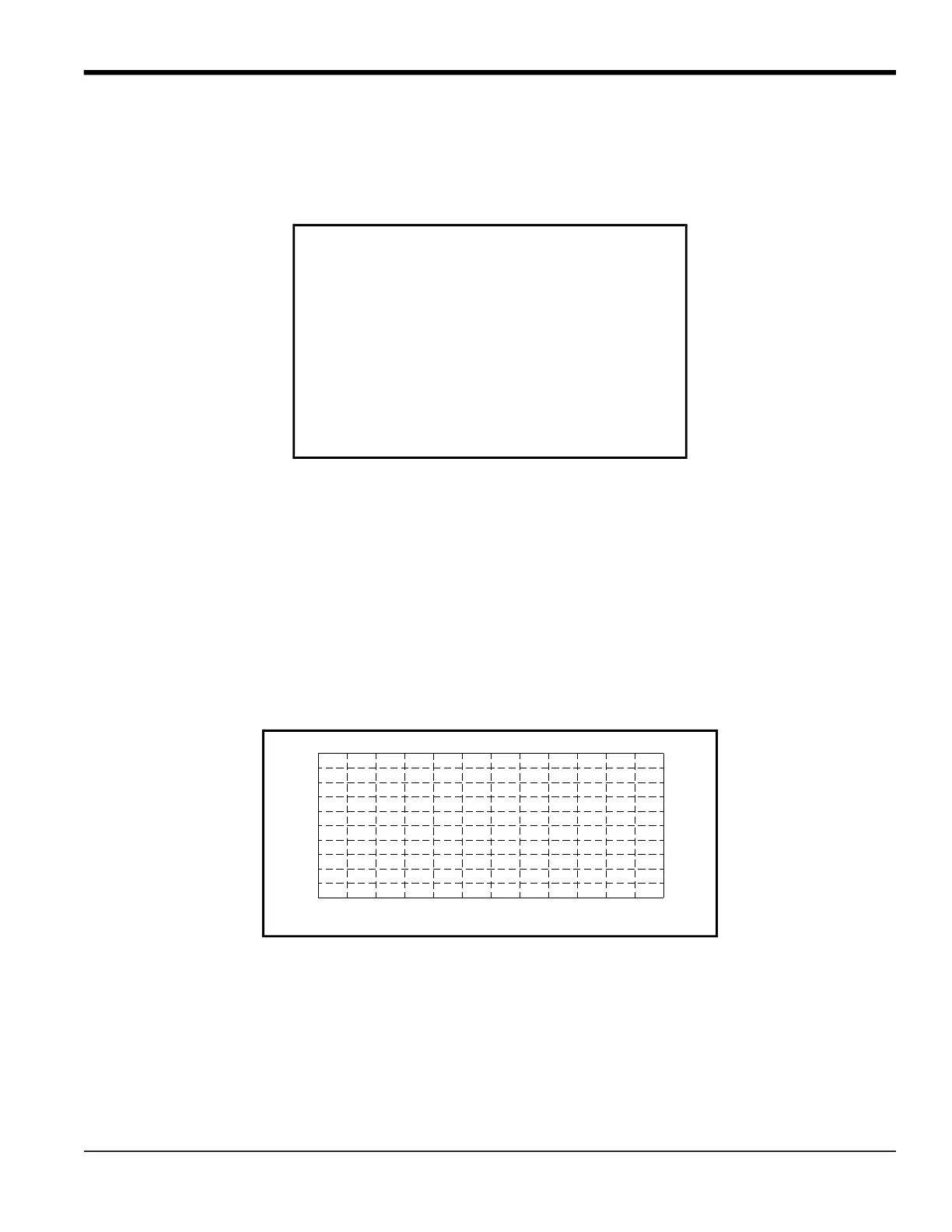
The Model DF868 returns to the standard data display screen and begins printing the log file. The printout continues
until the entire log has been printed or until a STOP command is issued (see the instructions for the STOP submenu
on page 83). A portion of a typical printout is shown in Figure 6.
Figure 6: A Typical Graphical Log Printout
4.5 Print Site File
Use the PROG submenu to print the data in a site file that was set up and saved as described in Chapter 1,
Programming Site Data. To print a site file, refer to Figure 16 on page 103, and complete the following steps:
IMPORTANT: Make sure that a printer has been properly set up before proceeding with this section.
1. To access the Print Menu, press the [PRNT] key.
LOG TITLE:
START:
END:
INTERVAL:
HH:MM:SS
11:50:45
11:50:55
11:51:05
11:51:15
11:51:25
11:51:35
11:51:45
11:51:55
11:52:05
11:52:15
.
.
.
ACF/HR
686.85
684.00
678.12
680.58
.
.
670.70
675.99
669.79
675.59
662.28
666.71
.
ID#1 VOLUM
232.57
236.34
234.46
.
.
.
ACF
230.45
228.58
226.71
224.84
222.70
220.83
218.92
ID#2 +TOTL
9 SEP 97 11:54:45
10 seconds
1039.082
.
.
1038.860
1039.255
.
FT/S
1039.511
1039.105
1039.137
1039.470
1039.509
1039.003
1039.147
ID#1 SNDSP
9 SEP 97 11:50:43
LOG1
09-09-97
09-09-97
09-09-97
.
09-09-97
09-09-97
09-09-97
09-09-97
09-09-97
09-09-97
09-09-97
MM:DD:YY
TIMEDATE
.
.
0.0
.1
.2
.3
.4
.5
.6
.7
.8
.9
1.0
0.0
.1
.2
.4
.3
.5
.7
.6
.8
.9
1.0
LOG MESSAGE
LOG NAME
X-AXIS 50 seconds PER-DIV
Y-AXIS MAX 500 ACF/M
START TIME
03:27:01 PM
20 OCT 97
END TIME
03:28:46 PM
20 OCT 97











 To Next Page