Appendix C. Programming with PanaView
120 DigitalFlow™ DF868 Multipurpose Ultrasonic Liquid Flowmeter Programming Manual (2-Channel)
C.6.2 Reading Transducer Signals
To read a Signal from the meter:
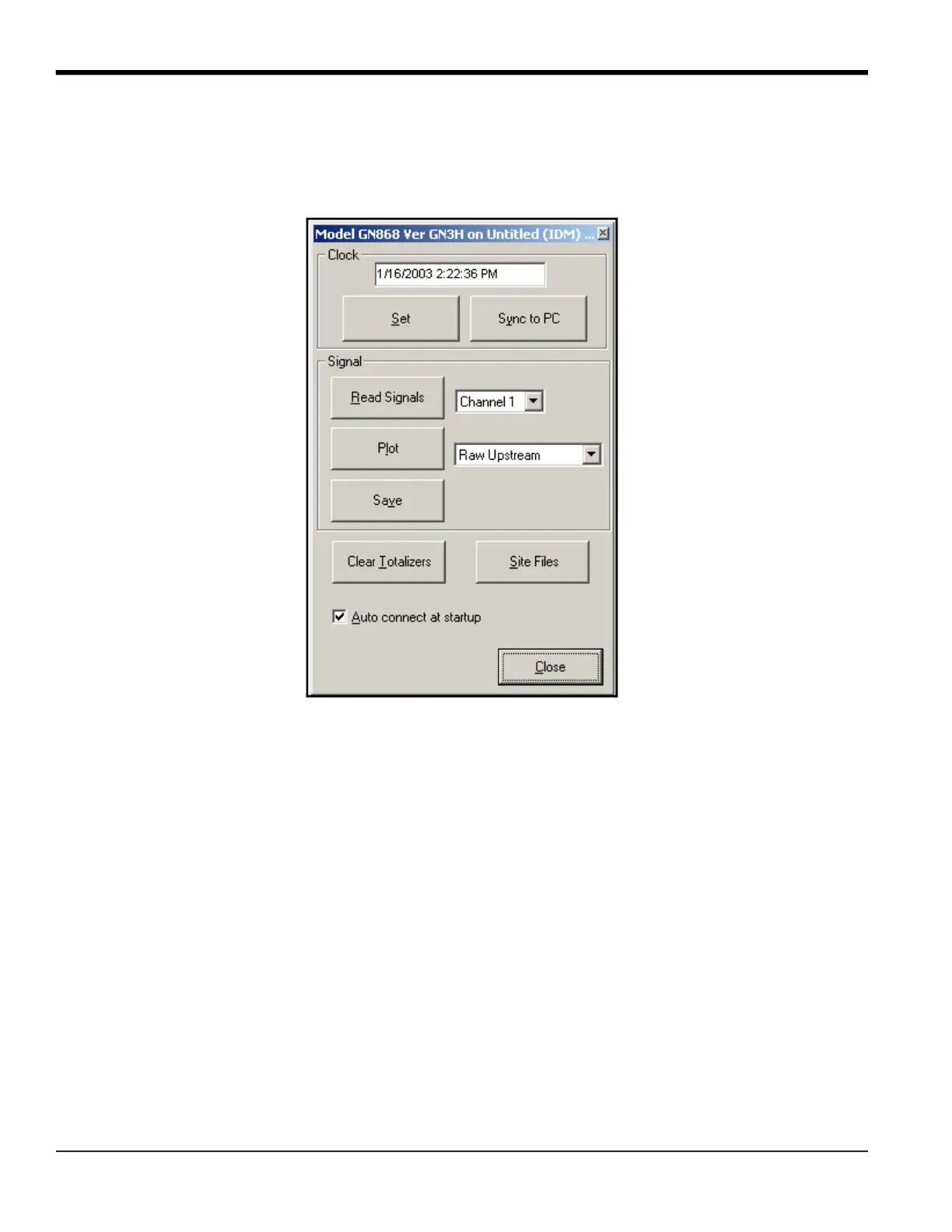
1. Click on the Read Signals button. (If the meter is a multi-channel instrument, open the Channel drop-down menu
and click on the desired channel.) After a moment, the Properties window appears similar to Figure 28.
Figure 28: Active Signal Options
2. To select a different signal type, open the signal menu at the right (shown here with Raw Upstream highlighted)
and click on the desired signal.











 To Next Page