Chapter 4. Printing Data
76 DigitalFlow™ DF868 Multipurpose Ultrasonic Liquid Flowmeter Programming Manual (2-Channel)
4.2 Setting Up a Printer
Use the PRNTR submenu to specify the type of printer connected to the Model DF868. To set up a printer, refer to
Figure 14 on page 101, and complete the following steps:
IMPORTANT: A printer must be properly set up before proceeding to any of the other sections in this chapter.
1. To access the Print Menu, press the [PRNT] key.
Note: The Print Menu is not
protected by the security feature and a password is never required to access this
menu.
2. Press the [
or [ key to display the option bar shown, and then press [F1] to select the PRNTR submenu.
3. Use the [
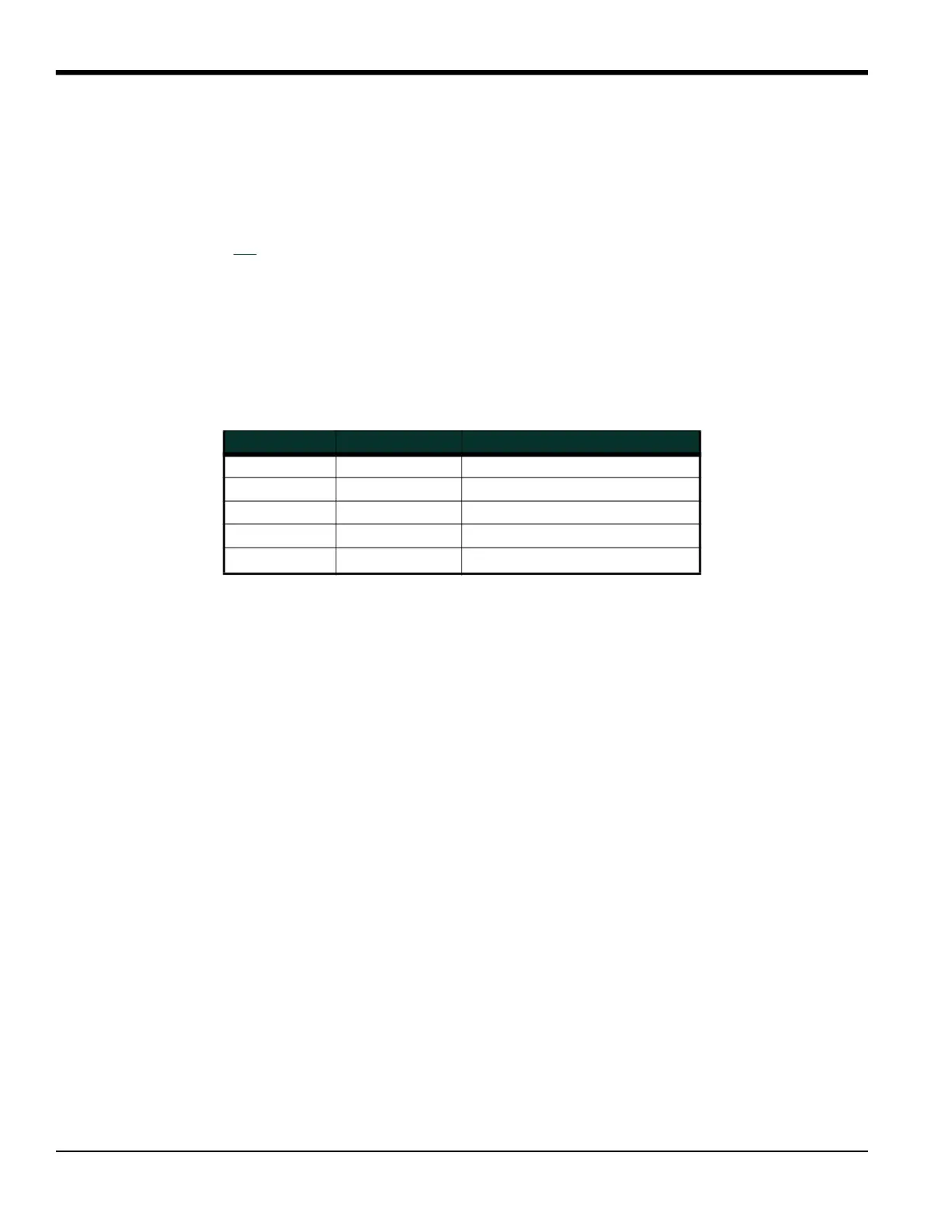
, [ and [F1]-[F4] keys to select the desired Printer Type. See Table 37 for a complete list of the
available options.
Note: For compatibility with the Model DF868, the printer must have an RS232 serial interface. To use a printer with
a parallel interface, a serial-to-parallel adapter must be used.
After the desired printer type has been selected, the meter returns to the standard data display screen and normal
measurement taking.
Table 37: Available Printer Options
Key(s) Printer Type Description
[F1] DP411 Seiko Model DPU-411 Type II
[F2] XTECH Extech Mini Serial Printer 42
[F3] EPSON Epson or Epson-compatible
[F4] KODAK Kodak Diconix 150 Plus
[
+[F1]
SP401 Syntest SP-401











 To Next Page