DigitalFlow™ DF868 Multipurpose Ultrasonic Liquid Flowmeter Programming Manual (2-Channel) 119
Appendix C. Programming with PanaView
C.6.1 Setting the Meter Clock
The meter’s Time may be reset in three different ways:
• manually enter the time and date in the text box, or
• click on the [Sync to PC] option button to have PanaView set the time and date to the current PC setting, or
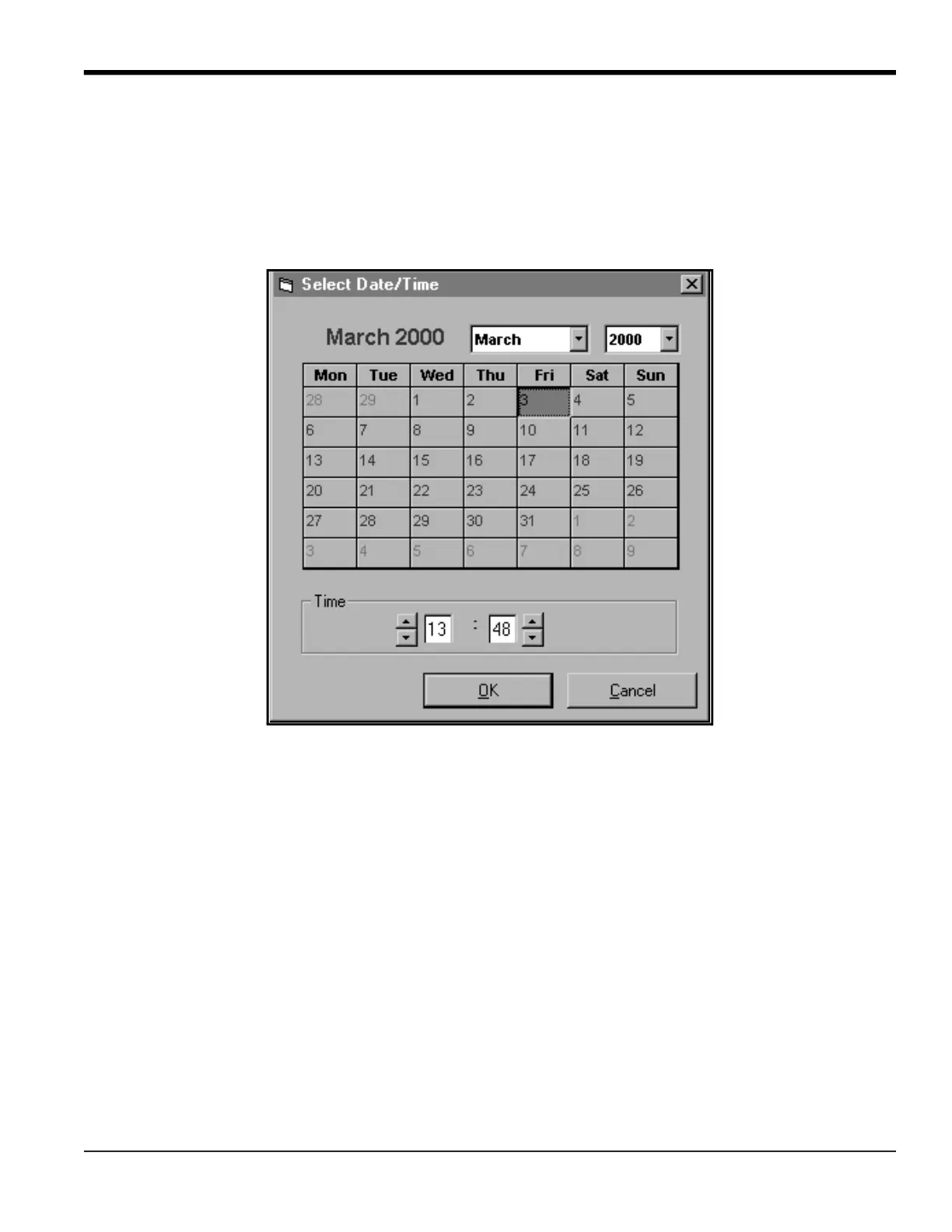
• click on the [Set] option button to open the dialog box shown in Figure 27. Set the desired date and time as
indicated, and click on the [OK] option button.
Figure 27: Time and Date Selection Window





 To Next Page