Chapter 1. Programming Site Data
42 DigitalFlow™ DF868 Multipurpose Ultrasonic Liquid Flowmeter Programming Manual (2-Channel)
1.7.6 Setting Up Serial Communications
The Model DF868 flowmeter can transmit stored data and displayed readings to a remote ANSI terminal or a
personal computer by connecting the meter’s RS232 interface to the serial port of the PC. In addition, the Model
DF868 can receive and execute remote commands via this link.The meter can also be configured with a MODBUS
option card for MODBUS (RS485) communications, a Foundation Fieldbus option card for Foundation Fieldbus
communications, or a MODBUS/TCP option card for MODBUS communications over the Ethernet, if desired.
Note: To set Fieldbus communications parameters, see Appendix D, Foundation Fieldbus Communications.
Use the COMM submenu to set the RS232, MODBUS, Ethernet and MODBUS/TCP communications port parameters
and to enter a network identification number. A network identification number is required to use the Panametrics
Instrument Data Manager or PanaView software. While following the programming instructions, refer to the menu
map in Figure 14 on page 101.
1. To enter the GLOBAL menu, press [F3]=GLOBL.
2. To enter the COMM submenu, press [
and [F4].
3. Use the [F1]-[F4] and [
keys to select the desired Baud Rate.
Note: As shown in Figure 14 on page 101, the available rates are 300, 600, 1200, 2400, 4800, 9600 and 19,200 baud.
4. Use the [F1]-[F4] and [
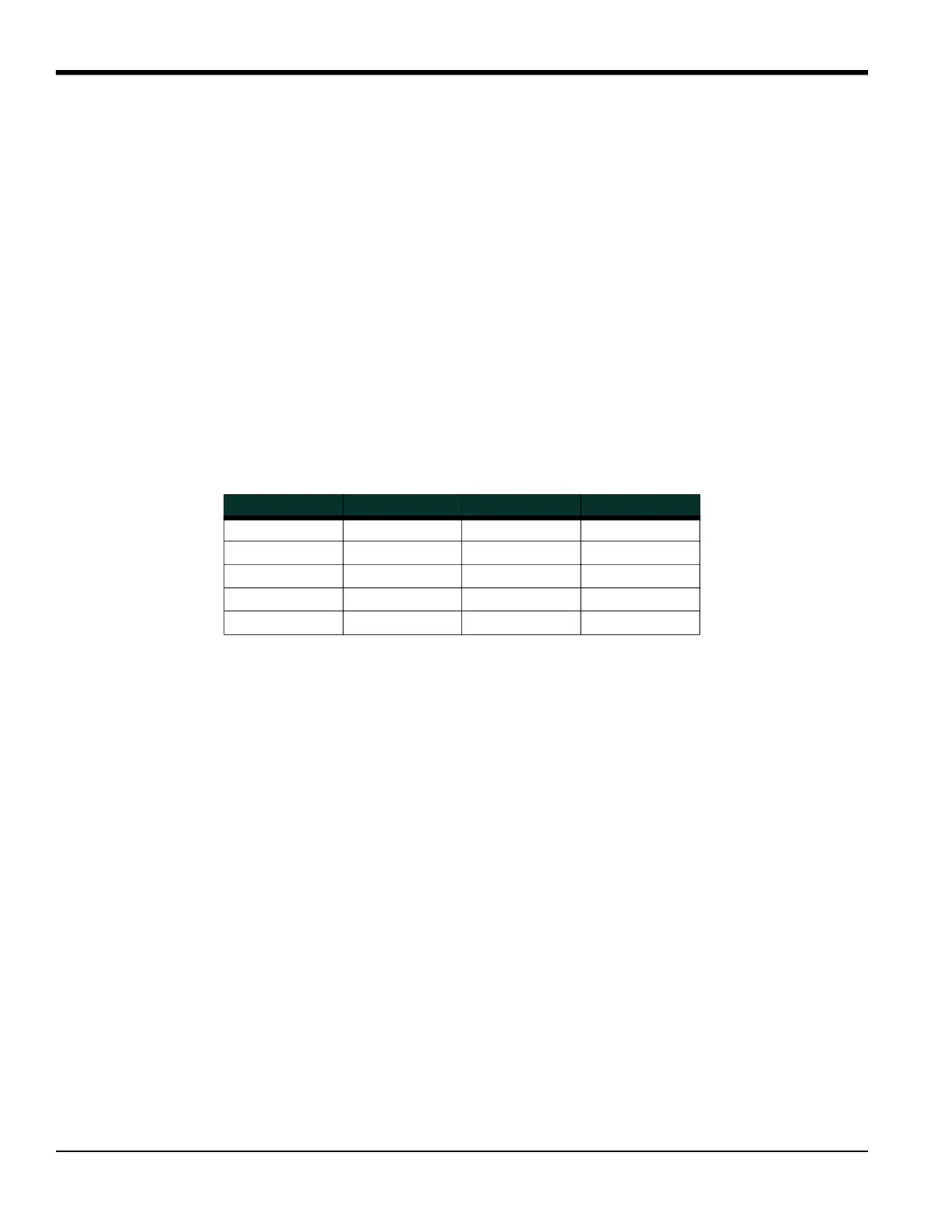
keys to select the desired UART Bits. The five available responses are listed in Table 25.
5. Enter a Network ID number between 1 and 254 and press [ENT]. The default number is 1
A network ID number is only necessary for communication with the Panametrics Instrument Data Manager (IDM) or
PanaView software. See the software User’s Manual (910-185) for more information.
IMPORTANT: If the network ID number is changed, communication with the Instrument Data Manager or PanaView
must be re-established with the new ID number.
Table 25: UART Bits Options
Option Bar # Data Bits # Stop Bits Parity
8,no 8 0 None
8,odd 8 0 Odd
8even 8 0 Even
7,odd 7 1 Odd
7even 7 1 Even











 To Next Page