SGM700 Digitizer
3. Explanation of front keys
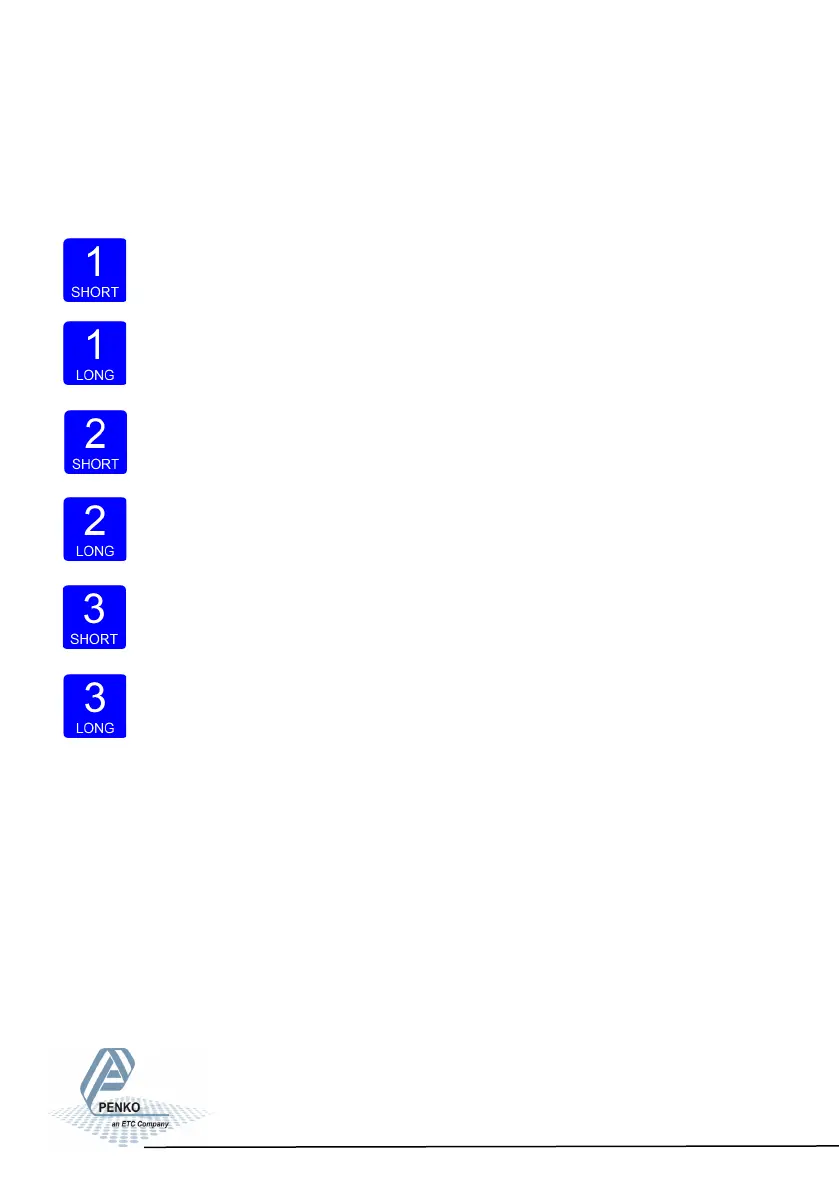
Pressing key 1 “short”.
In Weighing mode: create a new zero level.
In Menu mode: increase value by 1 or move up in menu.
Pressing key 1 “long”.
In Weighing mode: reset zero level to the original zero level.
In Menu mode: decrease value by 1 or move down in menu.
All keys have different functions depending if you are in weighing or
menu mode.
Pressing key 2 “short”.
In Weighing mode: set/ reset tare and reset preset tare.
In Menu mode: go into sub-menu or move cursor 1 position to the left.
Pressing key 2 “long”.
In Weighing mode: set preset tare.
In Menu mode: move cursor 1 position to the right.
Pressing key 3 “short”.
In Weighing mode: enter menu.
In Menu mode: escape move back in menu without saving changes.
Pressing key 3 “long”.
In Weighing mode: enter configuration menu.
In Menu mode: Confirm made changes.
13
Menu will jump back one level every 30 seconds of inactivity.



 To Next Page