SGM700 Digitizer
Configuration Menu -Eth-
6.5 - - - Eth Ethernet settings (SGM720 only)
Protocols that can be used are Ethernet IP, Omron Fins and Modbus TCP.
For protocol description please download PENKO Suite from www.penko.com
In this menu, the communication settings can be set for the ethernet port.
Options are:
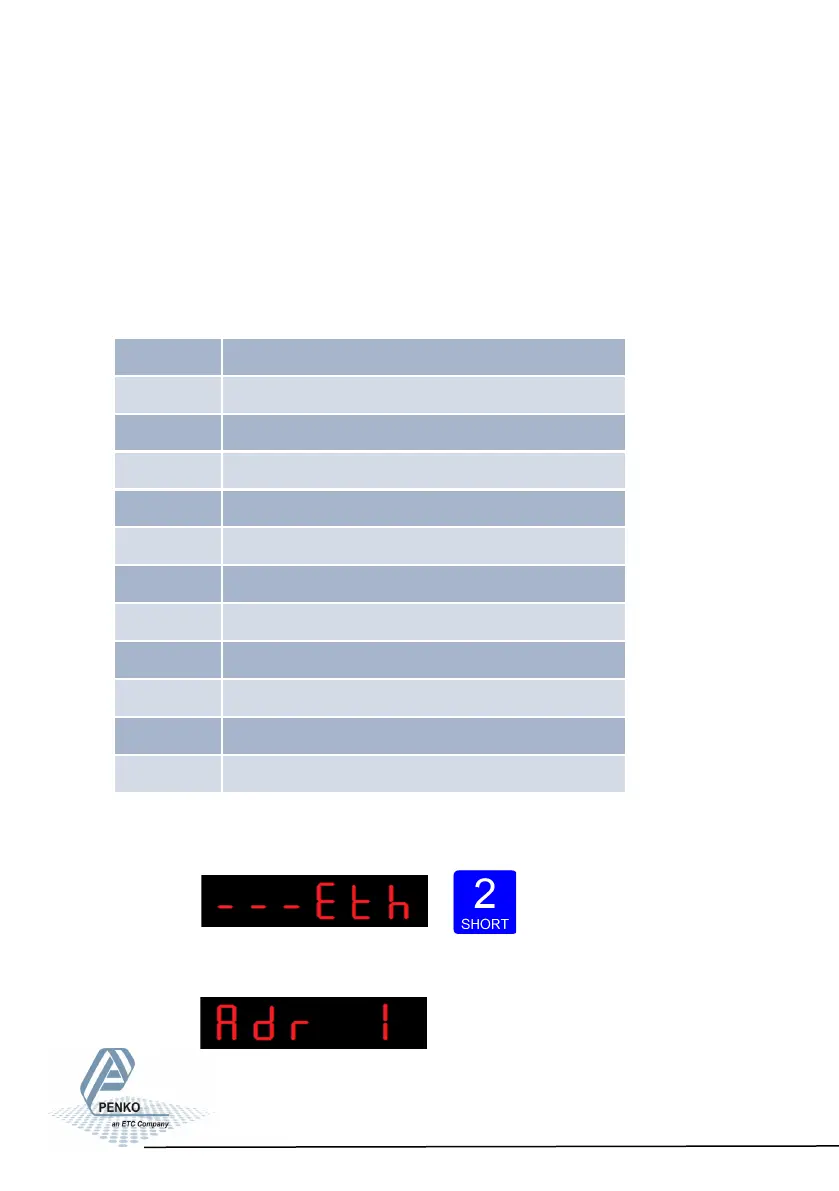
Press key 2 <2 sec to
enter the ethernet settings.
The following screen is vissable:
41
Adr 1 First three numbers of the IP address
Adr 2 Second three numbers of the IP address
Adr 3 Third three numbers of the IP address
Adr 4 Fourth three numbers of the IP address
Sub 1 First three numbers of the Subnet address
Sub 2 Second three numbers of the Subnet address
Sub 3 Third three numbers of the Subnet address
Sub 4 Fourth three numbers of the Subnet address
gAt 1 First three numbers of the Gateway address
gAt 2 Second three numbers of the Gateway address
gAt 3 Third three numbers of the Gateway address
gAt 4 Fourth three numbers of the Gateway address



 To Next Page