SGM700 Digitizer
6. Configuration Menu
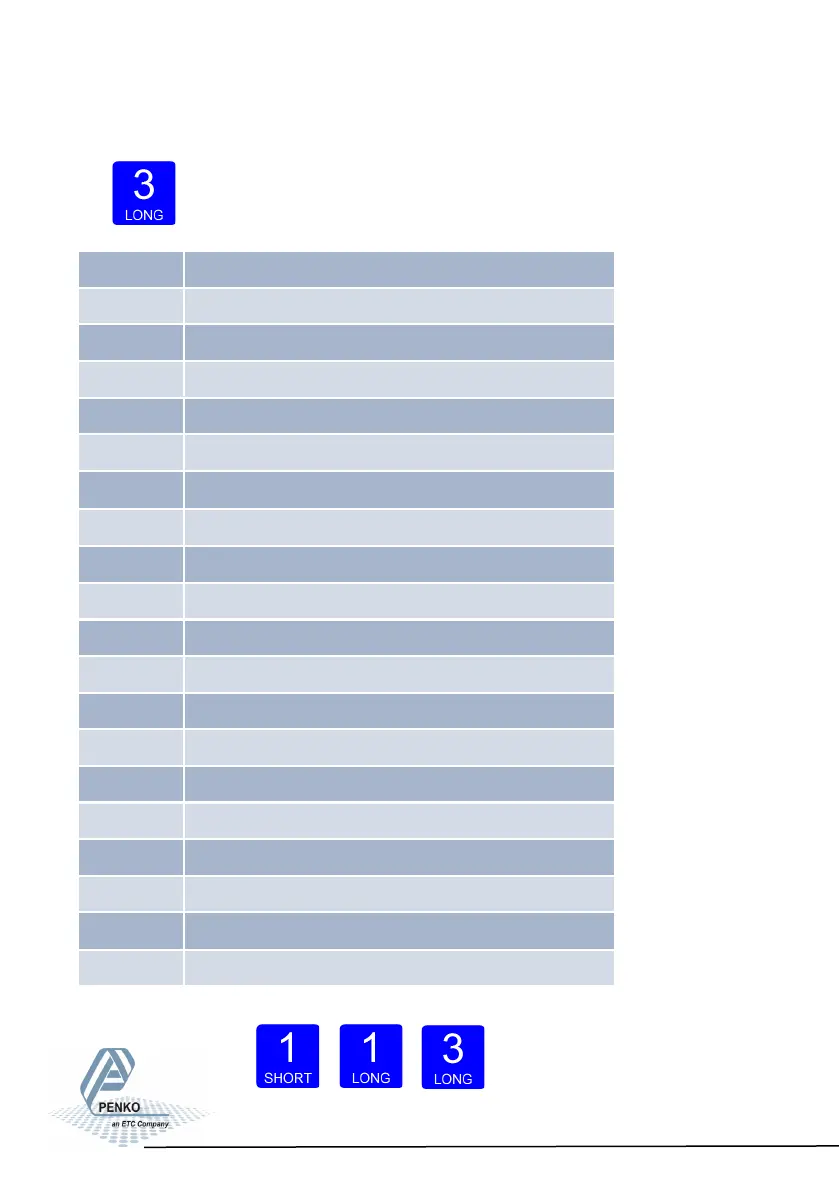
Press button 3 >2 sec to enter the Configuration Menu.
In the Configuration Menu the following options are available:
Scroll thru the
menu options
pressing key 1 and enter a sub-menu pressing
key 2 <2 sec.
Up Down Enter
32
- - - Fun setpoint function settings (not for SGM710)
- - - ACn setpoint action settings (not for SGM710)
- - - dAC Analog output settings
- - - 485 Local bus communication settings (RS485)
- - - Eth Ethernet settings (SGM720 only)
- - - CAn Can bus port settings (SGM730 only)
- - - - Pb Profibus settings (SGM740 only)
- - - 232 RS232 port settings (SGM750 only)
- - - 422 RS422 port settings (SGM750 only)
- - - Ind Indicator settings
- - - rng Multi range/interval settings
- - - FIL Filter settings
- - - dSF Digital filter settings
- - - PCL Pre-calibration settings
- - - CAL Calibration settings
- - - tCL Theoretic calibration
- - - gCL Geographic calibration
- - - CLo Date and time configuration (SGM750 only)
- - - rcL Recall
- - - SoF Firmware update



 To Next Page