SGM700 Digitizer
7. Firmware update
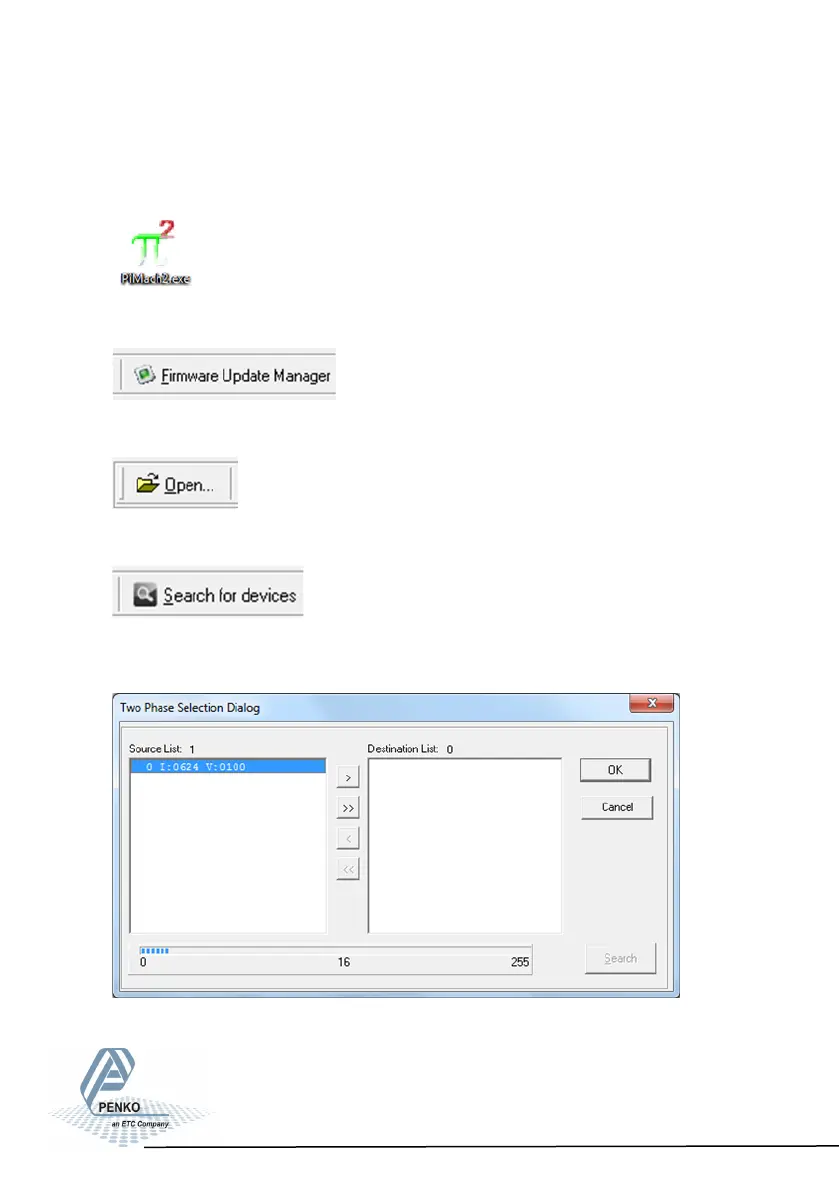
Connect the SGM to the computer through USB. Start PI Mach II. Set communi-
cation to USB.
Start the Firmware Update Manager.
Click Open and select the PIP file.
Click Search For Devices and select the device with source “0”.
Use double click or the arrow button to put the address
in the Destination List and click OK.
95



 To Next Page