SGM700 Digitizer
Configuration Menu -Ind- -continue-
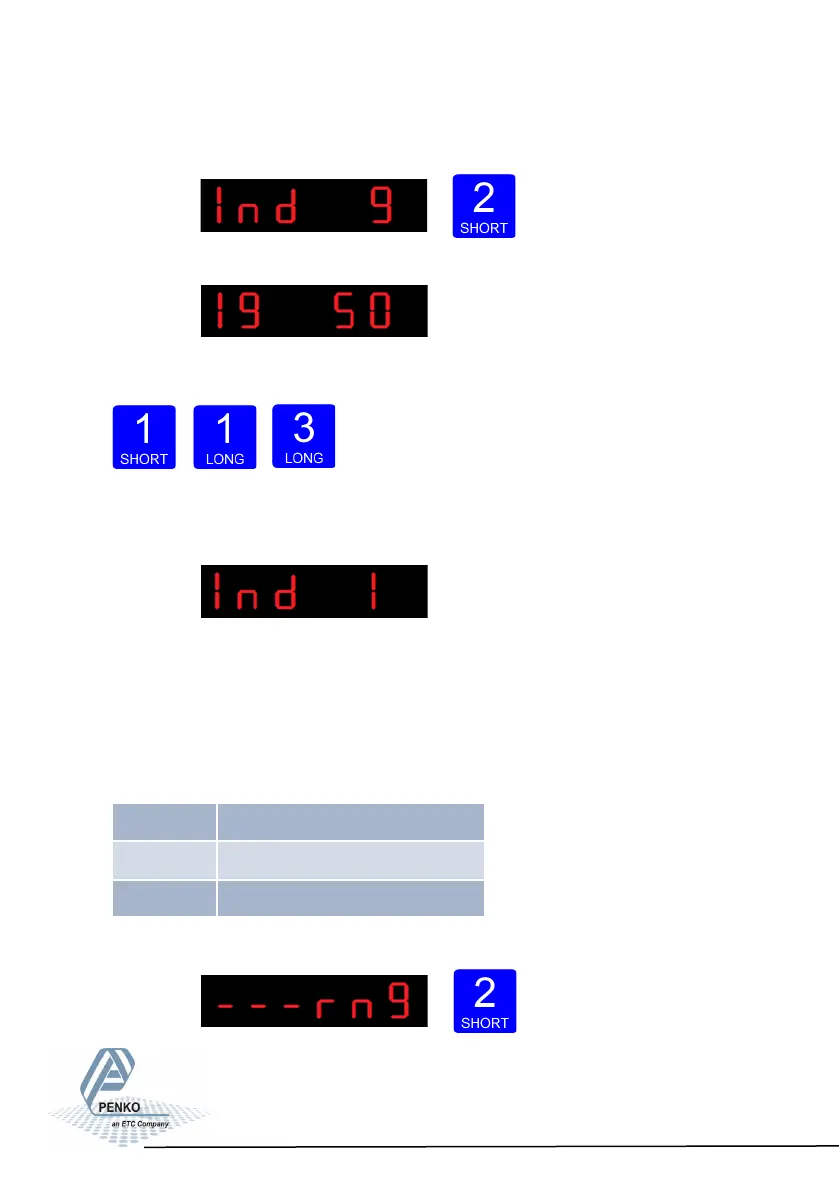
To change the sample rate press key 2 < 2 sec.
The following screen is vissable:
Press key 1 to choose the sample rate and confirm by pressing key 3 for >2 sec.
Up Down Confirm
The following screen is vissable:
Configura- tion Menu -rng-
6.11 - - - rng Multi range/interval settings
In this menu, the multi range/interval can be set.
Options are:
Press key 2 <2 sec to enter the multi
range/interval settings.
67
Rng 1 Number of display divisions
Rng 2 Maximum auto range step size
Rng 3 Auto range reset opon



 To Next Page