SGM700 Digitizer
Configuration Menu -dAC-
6.3 - - - dAC Analog output settings
In this menu, all analog output parameters can be set (only for SGM710 or when
the analog output option is installed).Options are:
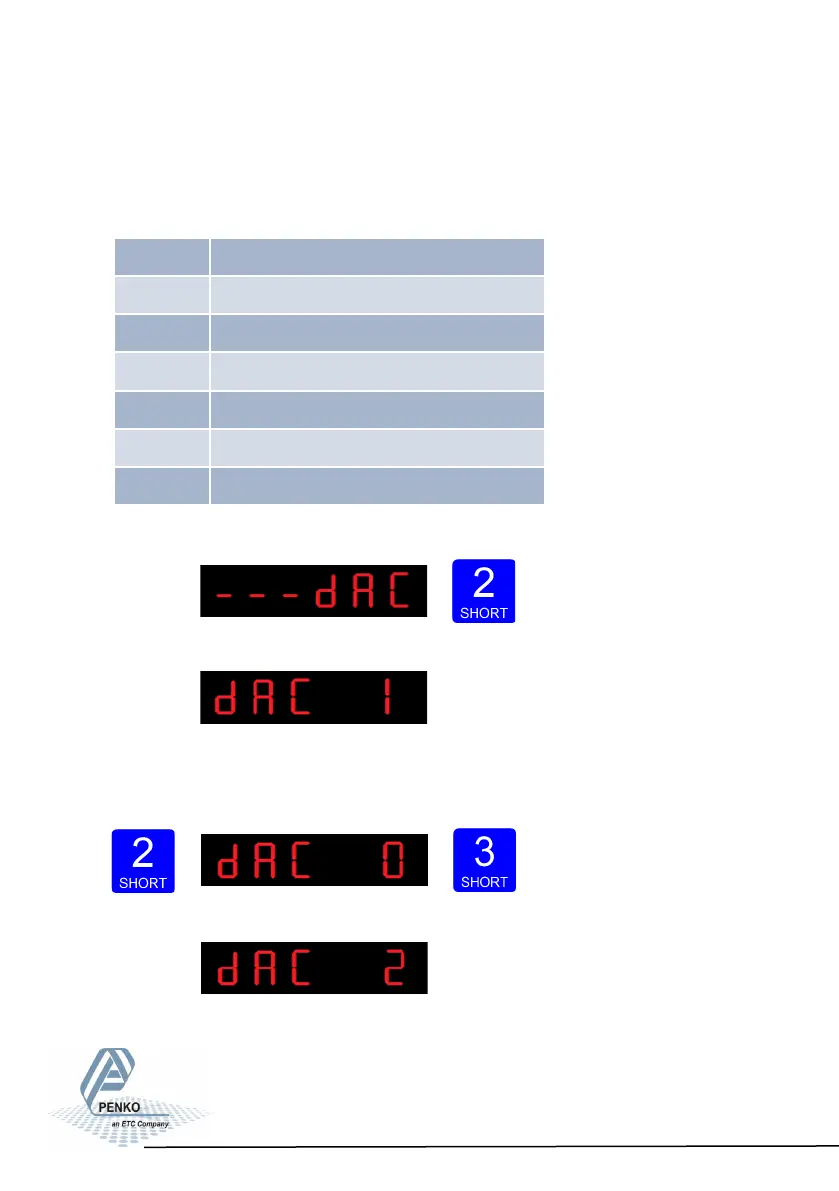
Press key 2 <2 sec to enter the
analog output settings.
The following screen is visible:
In dAC 1 you can set the analog output to its minimum level for testing
purpose.Press key 2 <2 sec to set the analog output to minimum.
Press key 3 <2 sec to go back.
The following screen is vissable:
36
dAC 1 Set analog output to minimum level
dAC 2 Set analog output to maximum level
dAC 3 Set analog output to level in percetage
dAC 4 Analog output weigher mode
dAC 5 Zero value for minimum analog output
dAC 6 End value for maximum analog output
dAC 7 Analog output range



 To Next Page