SGM700 Digitizer
Configuration Menu -Ind-
6.10 - - - Ind Indicator settings
In this menu, the Indicator settings can be set.
Options are:
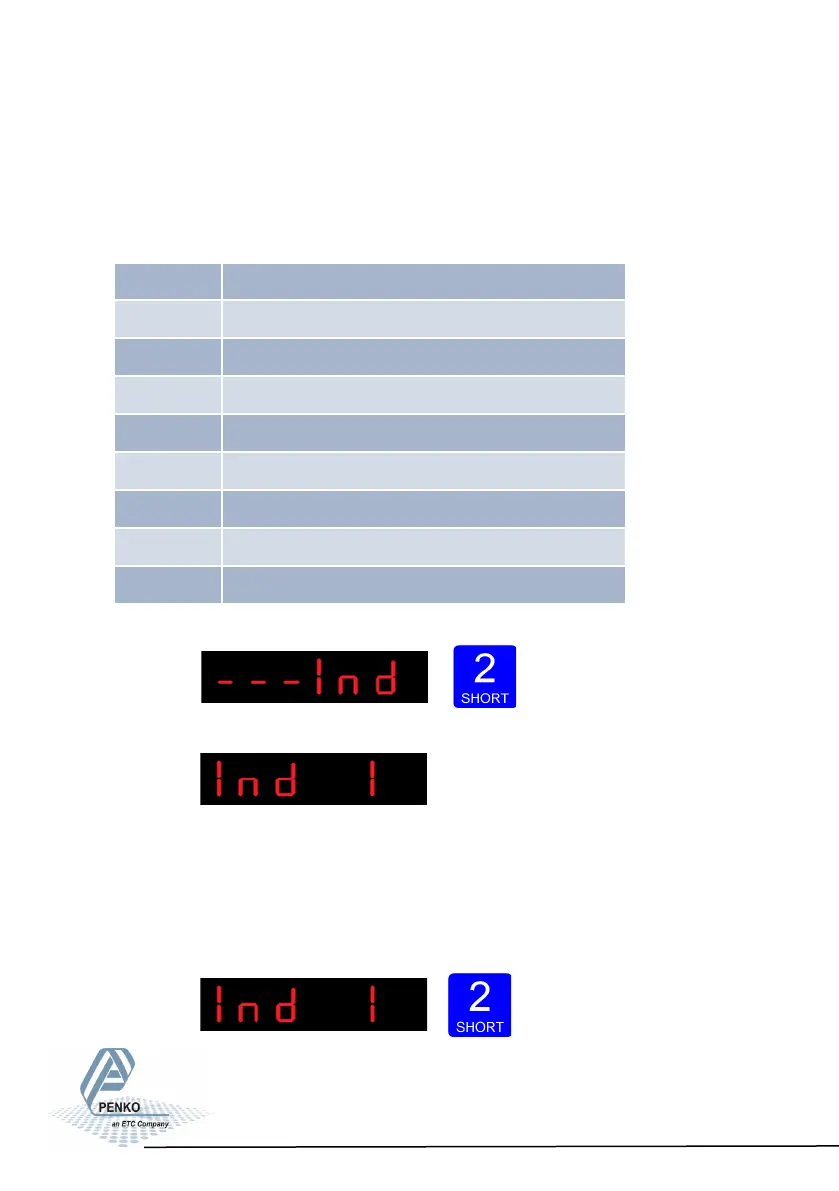
Press key 2 <2 sec to
enter the indicator settings.
The following screen is vissable:
In Ind 1 you set the maximum net weight value. Set maximum load to prevent
overload by the user. The indicator will not show any weight above this value.
Range: 0 – full display.
To change the value press key 2 < 2 sec.
60
Ind 1 Maximum display value
Ind 2 No moon band
Ind 3 Stable me
Ind 4 Digital overall lter
Ind 5 Display step size
Ind 6 Decimal point posion
Ind 7 Display refreshment speed
Ind 8 Operaon mode
Ind 9 Sample me



 To Next Page