SGM700 Digitizer
Configuration Menu -gCL-
6.17 - - - gCL Geographic calibration
In this menu, the Geographic calibration settings can be set. Here you can set a
geographic information of the loadcells filled in al tCL. Options are:
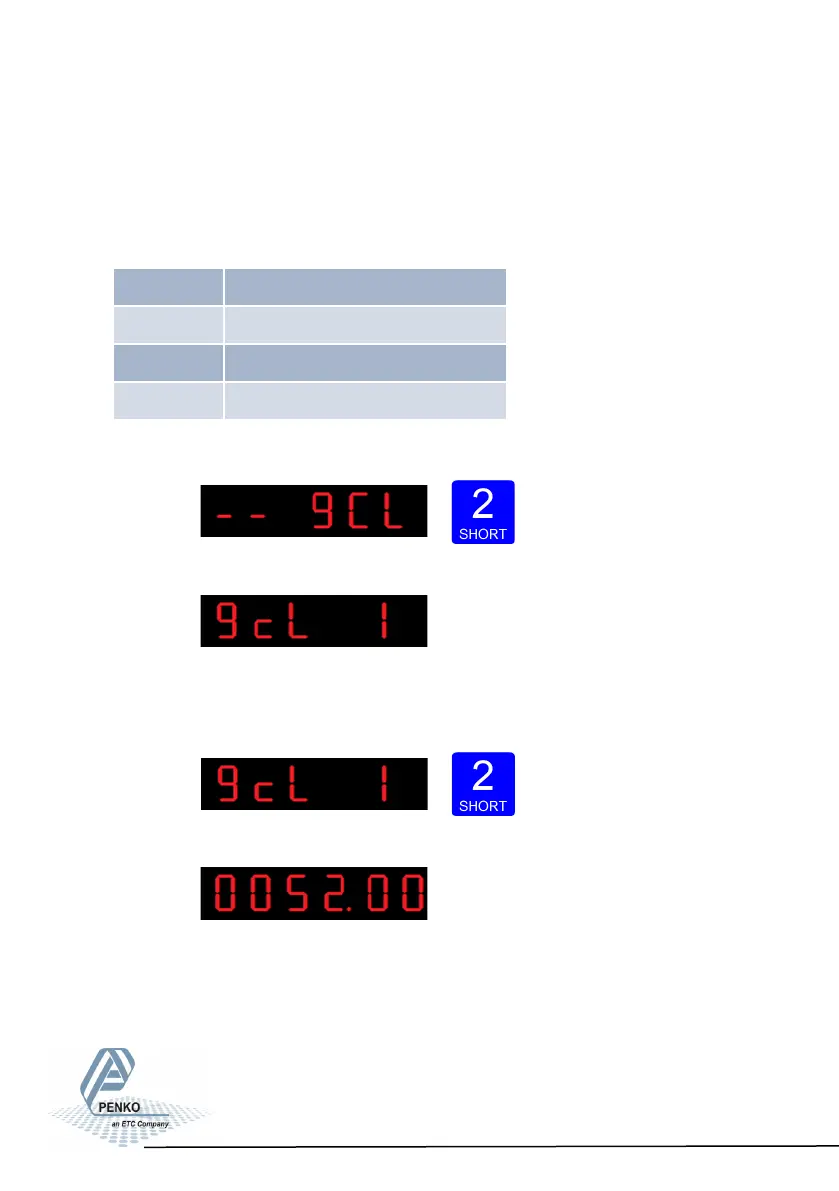
Press key 2 <2 sec to enter the Geographic calibration settings.
The following screen is visible:
In gcL 1 you can set the origin latitude of the load-
cell. This is the geographic latitude of where the loadcell is manufactured. Press
key 2 <2 sec. to set the origin latitude.
The following screen is visible:
Use key 1 and key 2 to enter the origin latitide of the
loadcell(s). Key 1 is used for changing the number (1-
9), key 2 is used for changing the position of the
cursor. And press key 3 >2 sec.to set the origin latitude. Choose value
between –90,00 and 90,00°
89
gCL 1 Origin latude
gCL 2 Origin elevaon
gCL 3 Locaon latude
gCL 4 Locaon elevaon



 To Next Page