SGM700 Digitizer
First use of indicator -continue-
4.4 First use by using PI Mach II software
The SGM can also be configured for first use by using PI mach II software.
Download Penko Suite from the PENKO website (http://www.penko.com/db/
downloads/) and install Penko Suite. The following items will be installed:
*Pi Mach II Program Interface to configure all Penko devices
*Job Manager XE Version Control System for Pi Mach II projects
*Drivers USB drivers for latest series Penko devices
*Manuals Product manuals and protocol descriptions
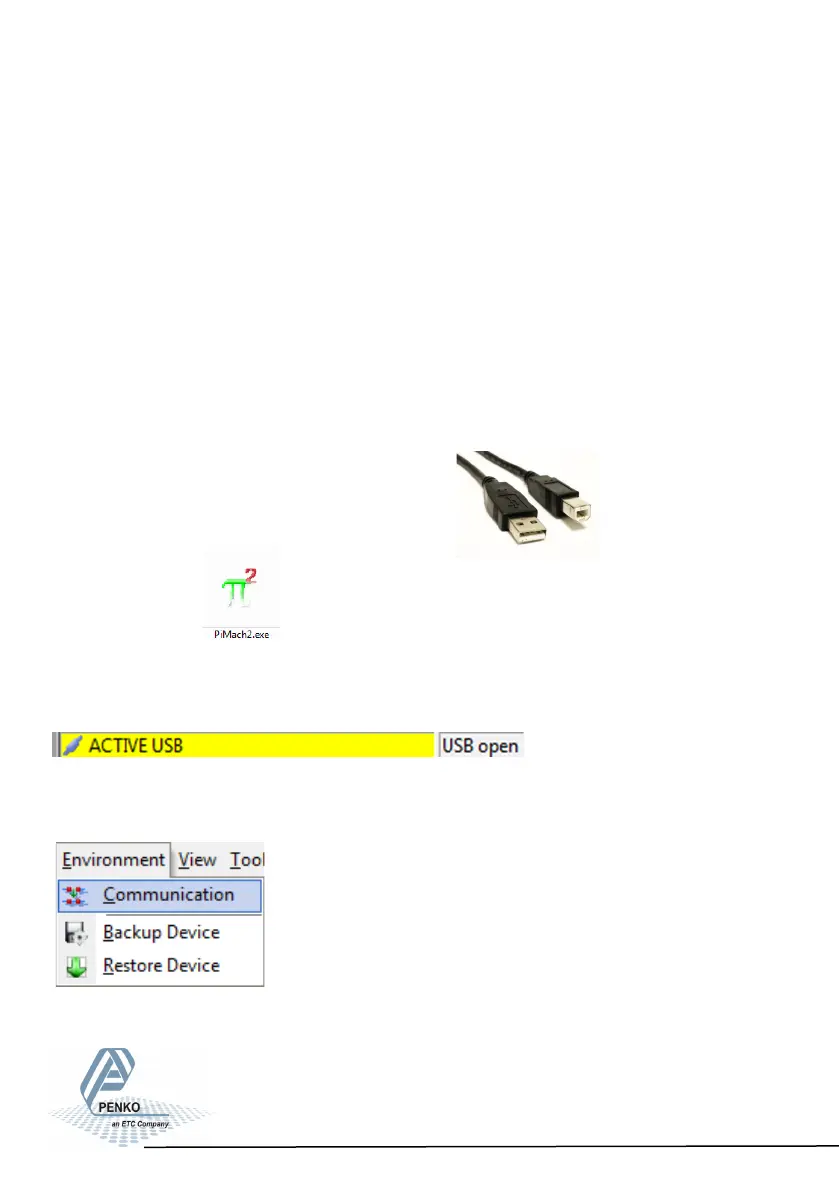
After installing, connect the SGM700 to
the computer using an A-B USB cable.
Start Pi Mach II.
The SGM700 will be found and connected. This is shown in the sta-
tus bar (lower left corner).
If there appears a USB error, connect the device manually:
Go to Environment - Communication
21



 To Next Page