SGM700 Digitizer
Configuration Menu –232-
6.8 - - - 232 RS232 Port settings (SGM750 only)
In this menu, the communication settings can be set for RS232 communication.
Options are:
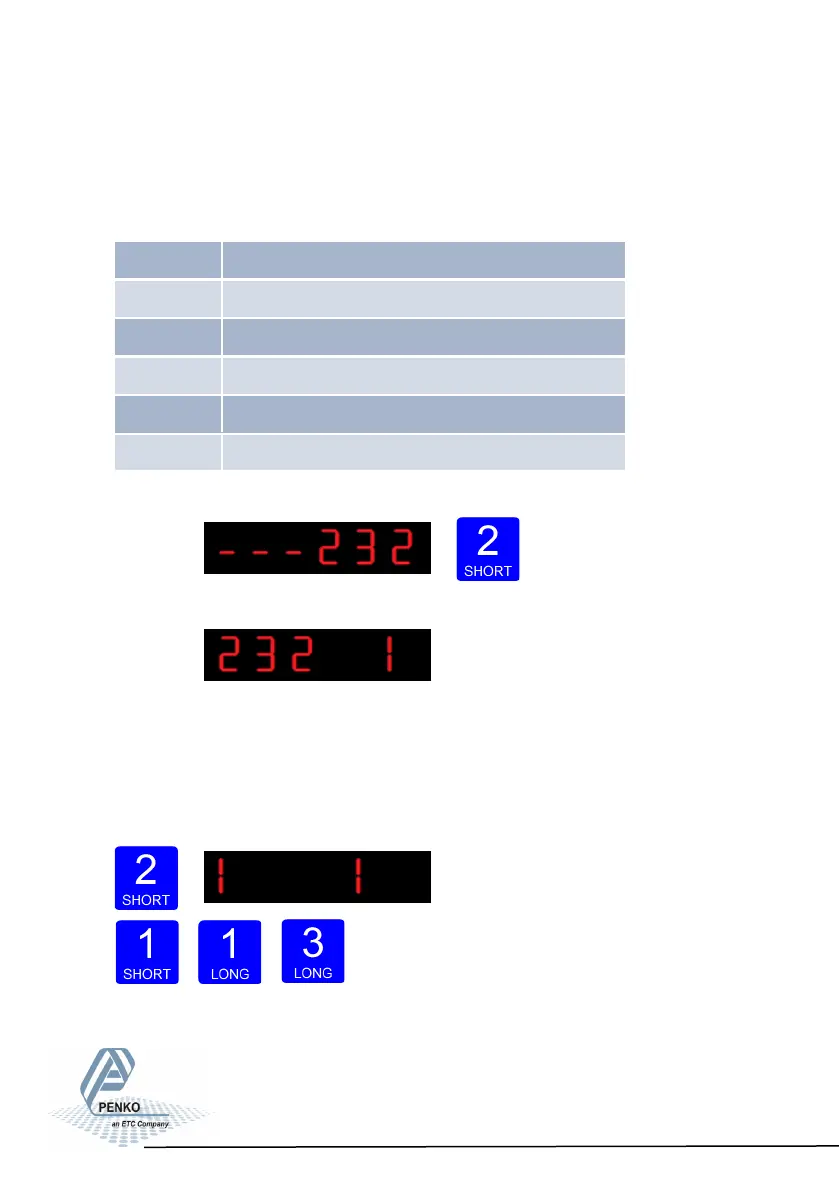
Press key 2 <2 sec to
enter the RS232 port settings.
The following screen will be vissable:
In 232 1 you set the RS232 Protocol of the SGM750. Press key 2 <2 sec. to en-
ter 232 1. Set the Prot using key 1 and key 2 confirm by pressing key 3 >2 sec.
(options are: 1= None, 2= Printer, 3= ASCII, 4= NPV Slave, 5= Modbus-RTU, 6=
Modbus ASCII). For protocol descriptions please download PENKO Suite from
www.penko.com
Increase Decrease Confirm
52
232 1 Protocol
232 2 Address
232 3 Stopbits
232 4 Parity
232 5 Baudrate
232 6 Indicator



 To Next Page