SGM700 Digitizer
Configuration Menu -Pb- -continue-
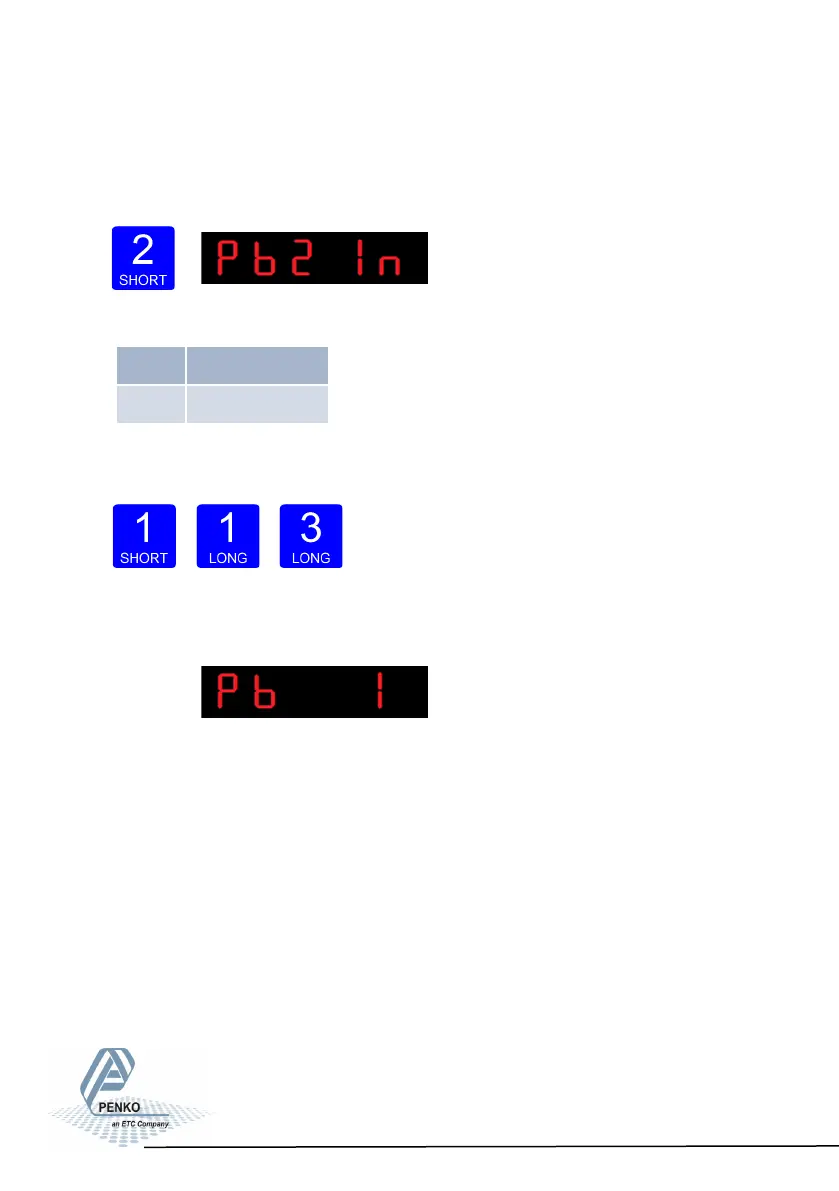
In Pb 2 you set the profibus Value mode. The profibus value can be shown as
Integer (direct value without decimal point) or as Floating Point (real value with
decimal point). Press key 2 <2 sec. to change the mode.
The oprions are:
Select the option you want to use by pressing key 1 and
confirm by pressing
key 3 >2 sec.
Increase Decrease Confirm
The following screen will be vissable:
Note: after a recall or a firmware update, the Profibus needs to be reset. This is
done by power down the device and power it up again.
51
Pb2 FL Floang point
Pb2 In Integer



 To Next Page