SGM700 Digitizer
Configuration Menu -tCL- -continue-
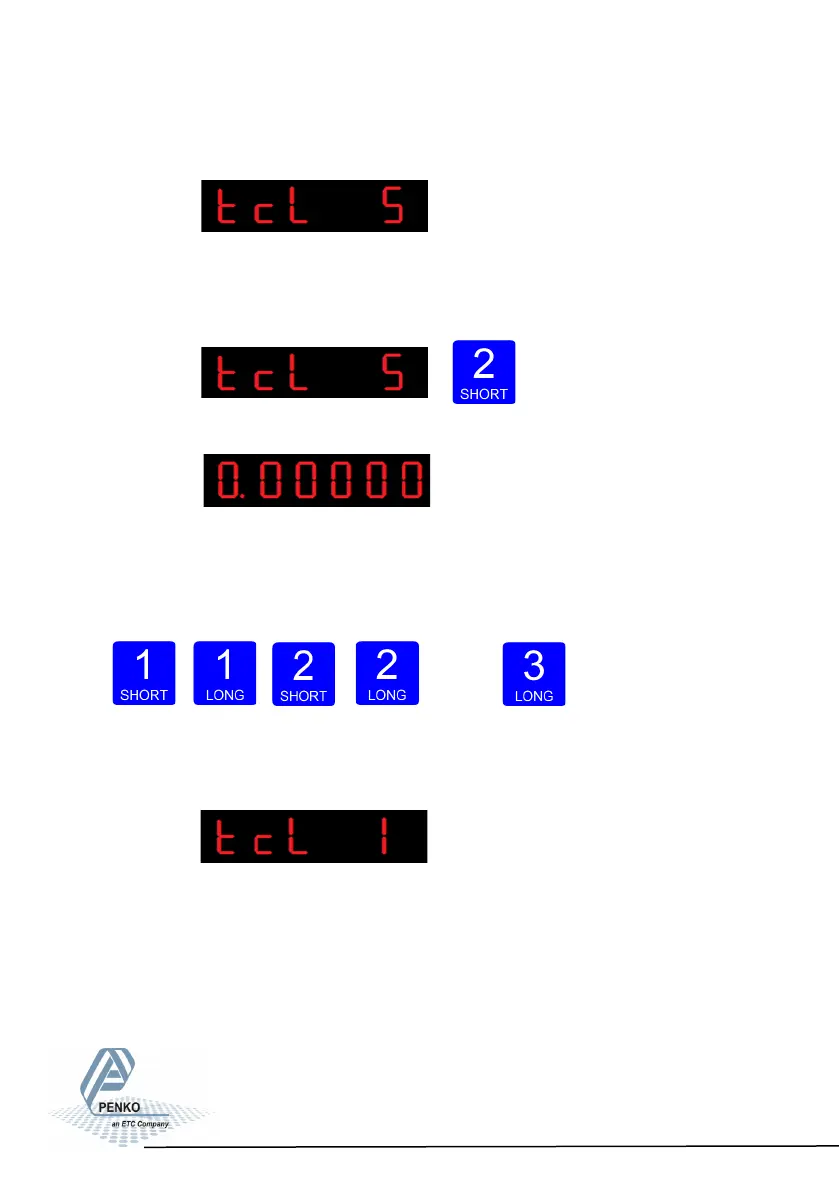
The following screen is visible:
In tcL 5 you can set the loadcell sensitivity for loadcell 4. This information can be
found on the datasheet deliverd with the loadcell. Press key 2 <2 sec. to set the
loadcell sensitivity.
The following screen is visible:
Use key 1 and key 2 to enter the sensitivitiy of load-
cell 4. Key 1 is used for
changing the number (1-9), key 2 is used for changing the position of the
cursor. Sensitivity has to be filled in as 0.00000 mV/V. Press key 3 >2 sec. to set
the sensitivity of the loadcell.
Up Down Left Right Confirm
The following screen is visible:
When using a theoretical calibration, note that the
2mV/V and 3mV/V range are calibrated ranges.
88



 To Next Page