Preparation
9 - 10
9
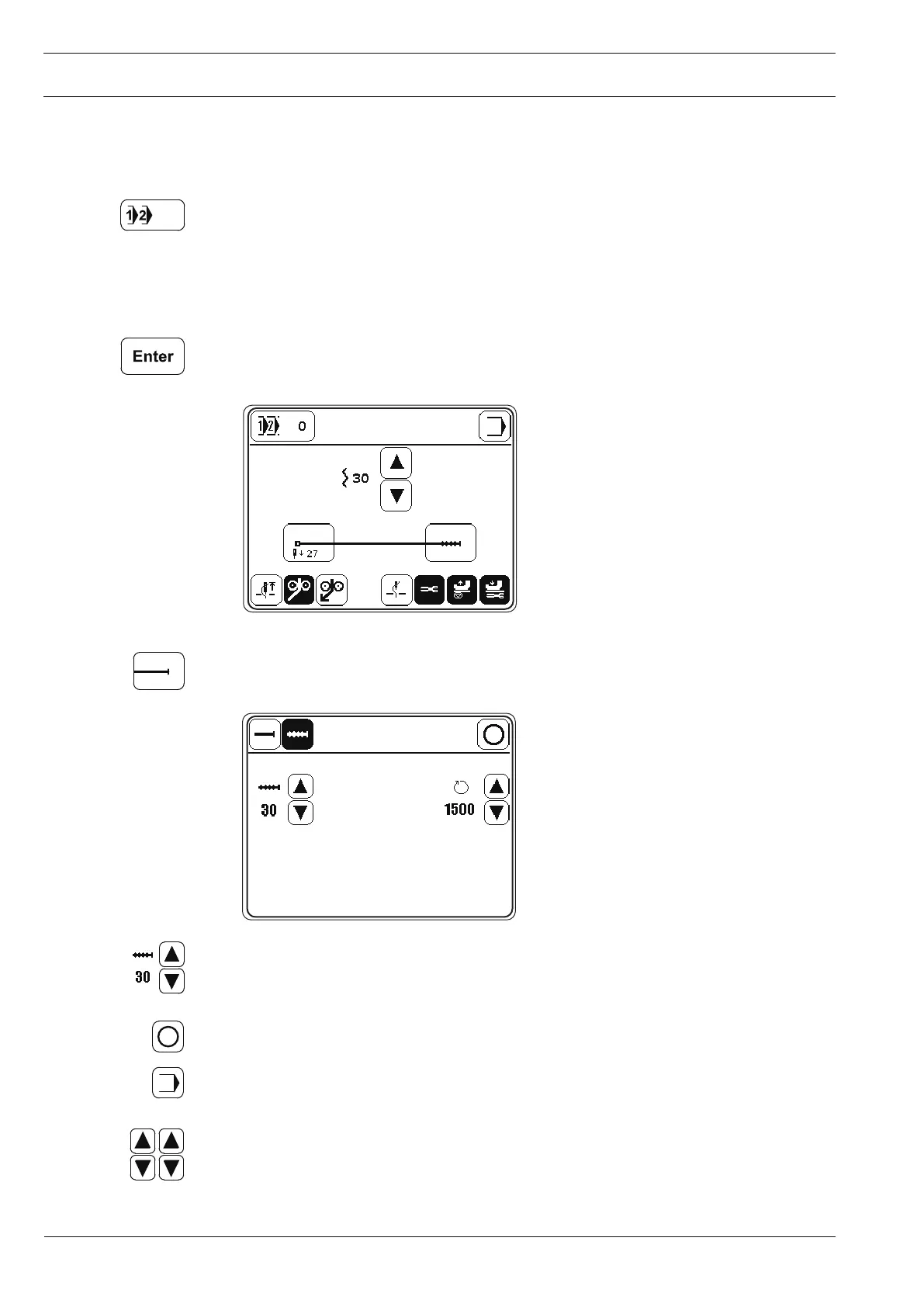
.10 Entering the seam parameter
● Switch on the machine.
● Select the menu for the program number input.
● Select program number "0"-
● Confirm the selection and quit the selection menu.
● Call up the "seam end" function.
● Select the number of stitches for the seam protrusion.
● Conclude the input.
● Call up the input mode.
● Select parameter "204".



 To Next Page