Access: Menu [Test] [Cycle end] Choice - Setting limit
1)
Cycle end To be selected
● Operator: manual cycle end by the user
● Automatic: automatic cycle end based on configuration be-
low
Operator
Automatic
Roughing timer
(If automatic 'Roughing timer')
To be enabled
Roughing duration check
Enabled
Disabled
To be set (optional)
Maximum permitted roughing duration
If the control is enabled and time expires (detector still in rough-
ing) = part rejected
0 – 1 h
Test timer
(If automatic 'Test timer')
To be set (required)
Duration of measurement
When time expires, the measured leak rate is displayed.
0 – 1 h
1) Initial setting: see chapter “Tree diagram to the Settings menu”
Function to be used to automate a small production.
8.2.5 Inlet vent
This function allows an inlet vent after a hard vacuum test stop.
This function is used to return to atmospheric pressure the detector’s inlet, and therefore the connected
part or installation.
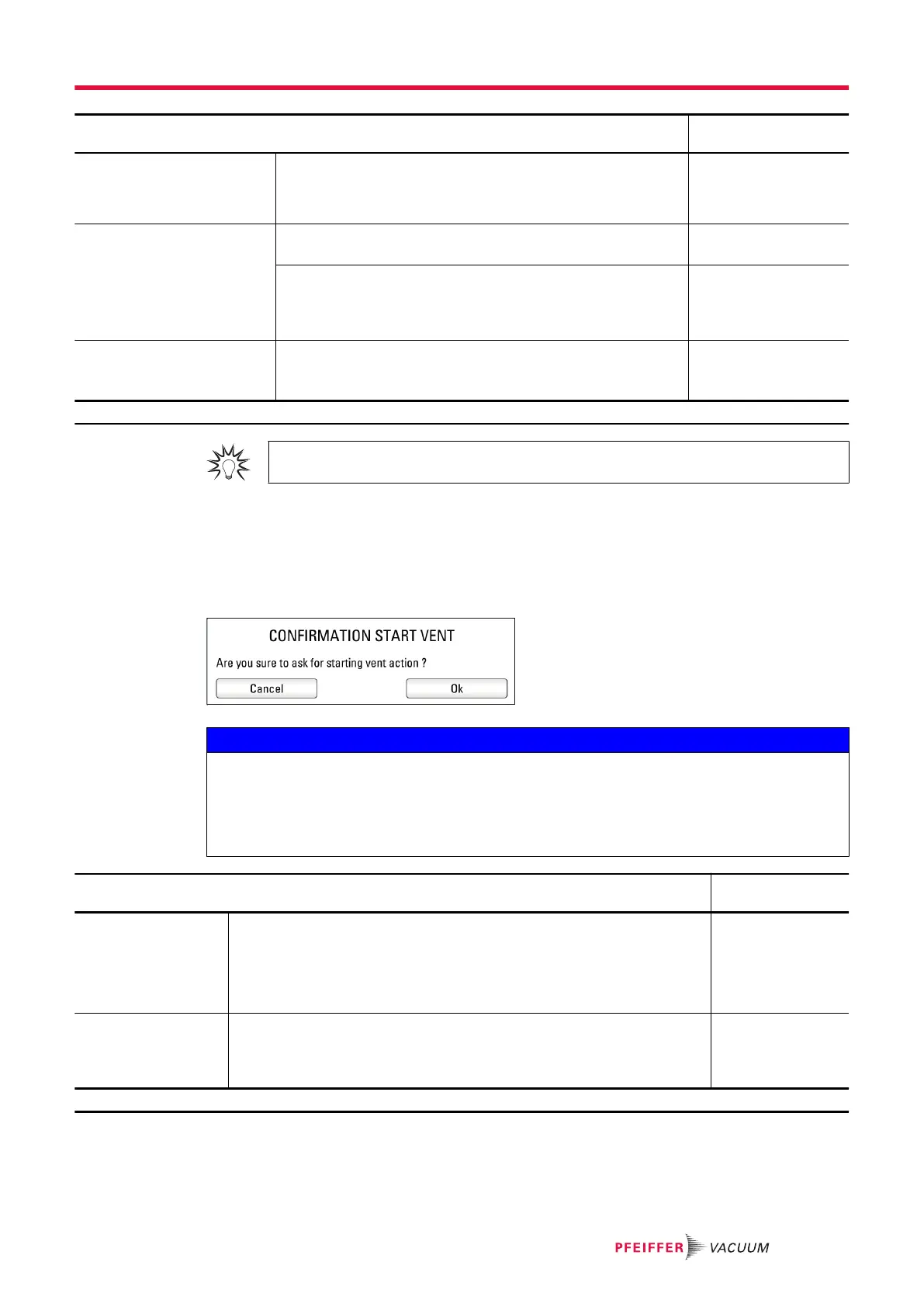
This function is secure: confirmation is requested each time the operator requests an inlet vent.
NOTICE
Risk of pollution of the test chamber or of the process
Never program an ‘automatic’ inlet vent when the detector is connected to a hard vacuum test or
process chamber.
►
Select ‘Operator’ and delete the function key allocated to the automatic inlet vent. The inlet vent
must be carried out using the menu, which can be password locked.
Access: Menu [Test] [Inlet vent] Choice - Setting
limit
1)
Inlet vent To be selected
● Operator: the inlet vent is carried out by the user by pressing on the
[VENT] function key or on the corresponding pictograph on the main
screen.
● Automatic: the inlet vent is automatically carried out when the START/
STOP key is pressed to stop the test.
Operator
Automatic
Delay
(If automatic 'Inlet
vent')
To be set (required)
Delay = time between test stop and automatic opening of the inlet vent
valve.
This allows a managed valve to close automatically before inlet vent.
0 – 2 s
1) Initial setting: see chapter “Tree diagram to the Settings menu”
Settings menu
55/98



 To Next Page