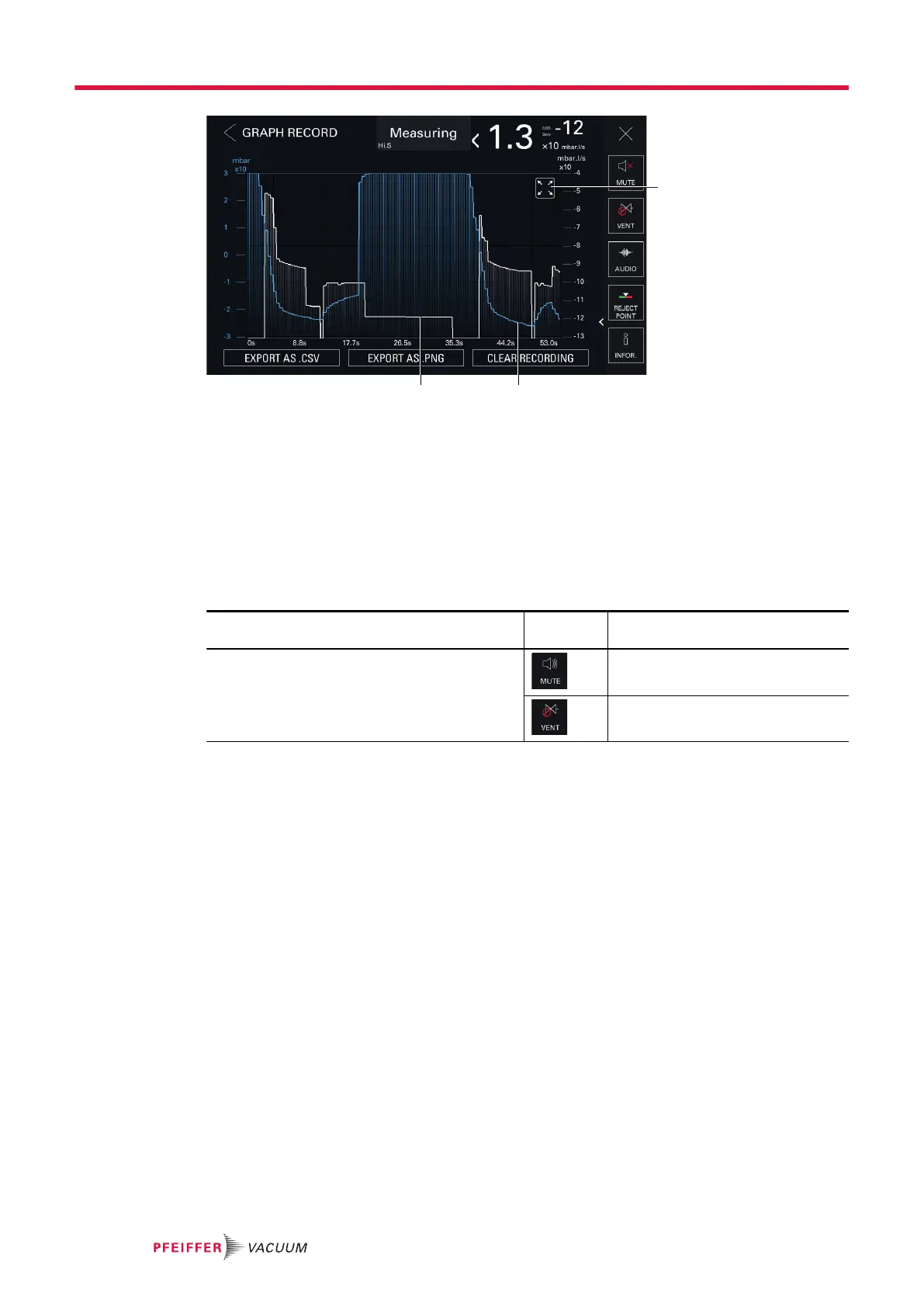
1 Pictogram indicating that the zoom function is applied 3 Leak rate plot (white)
2 Inlet pressure plot (blue)
►
To zoom in, place two fingers on the touch screen area and move them away from each other.
►
To zoom out, place two fingers slightly apart from each other on the touch screen and bring them
towards each other.
7.7.11 Function key bar
The function key bar is used to view settings, access a menu (shortcut) or start a direct action.
Pictogram Name of the pictogram in the op-
erating instructions
Function keys permanently displayed [MUTE]
[VENT]
Operation
42/98



 To Next Page