Access: Menu [Configuration]
Choice - Setting limit
1)
Time
To be set
1)
-
Format: hh:mm:ss
Language
To be set
1)
English
French
German
Italian
Chinese
Japanese
Korean
Spanish
Russian
Portuguese
1) No default settings: set by user on switching the detector on for the 1
st
time
8.3.2 Sound volume
This menu is used to set the sound volumes for the leak detector.
Access: Menu [Configuration] [Sound Volume] Choice - Set-
ting limit
1)
Detector To be enabled
The audio alarm of the detector informs the user that the reject point has been crossed.
Enabled
Disabled
To be set
Level 9 = 90 dBA
1 – 9
Voice To be enabled
The voice of the detector informs the user of the status of the detector or the actions to
be carried out.
Enabled
Disabled
To be set 1 – 9
Detector min.
sound
To be enabled
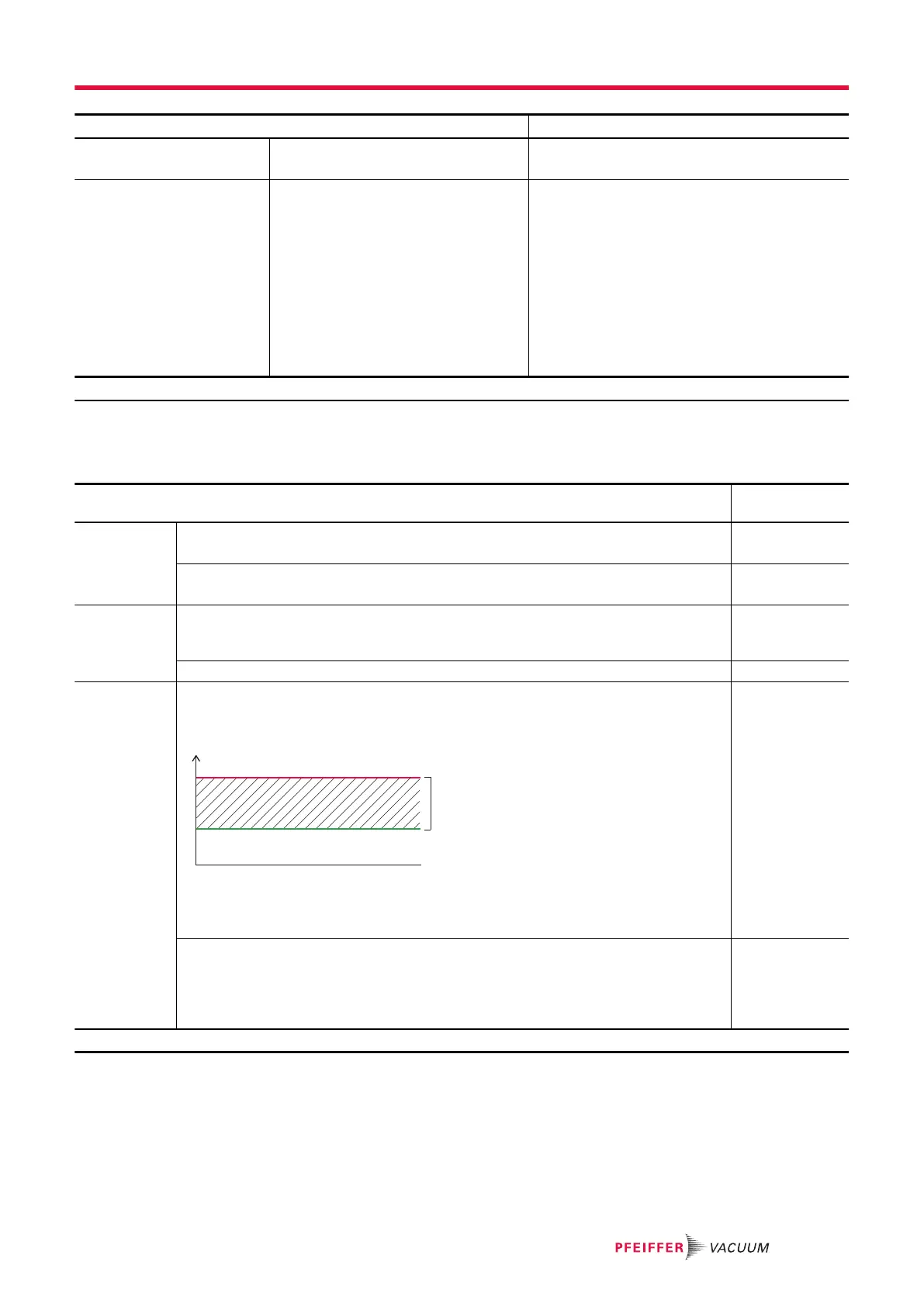
The minimum detector sound defines a minimum level for sounds (see 'Detector' pa-
rameter).
1 - Sound range (1–9)
2 - Possible settings range for the sound level (see 'Detector' parameter)
x - Minimum detector sound set: no sound will be below x.
Enabled
Disabled
To be set
The ‘Detector’ parameter values are automatically corrected if the minimum detector
sound is greater than the set values.
The ‘Detector’ parameter values are retained if the minimum detector sound is lower
than the set values.
1 – 9
1) Initial setting: see chapter “Tree diagram to the Settings menu”
Settings menu
61/98



 To Next Page